External solid-state drives (SSDs) have become a reliable way to expand storage and move files quickly between devices. They are faster, smaller, and more durable than traditional hard drives because they use flash memory instead of spinning disks. For people who work with large files or want to back up important data, an external SSD offers both speed and convenience.
When shopping for one, the key factors to consider are transfer speed, storage capacity, durability, and compatibility with your devices. Some drives are built for travel with shock resistance and water protection, while others focus on top performance for video editing or gaming. Choosing the right external SSD means balancing speed, size, and reliability for your specific needs.
We spent hours comparing and testing several models to find the best external SSDs that deliver dependable performance and good value.
Best External SSDs
We tested several external SSDs to find the fastest, most reliable options for everyday use. Below is our list of the best models that offer strong performance, solid build quality, and good value for the price.
Crucial X9 Portable SSD
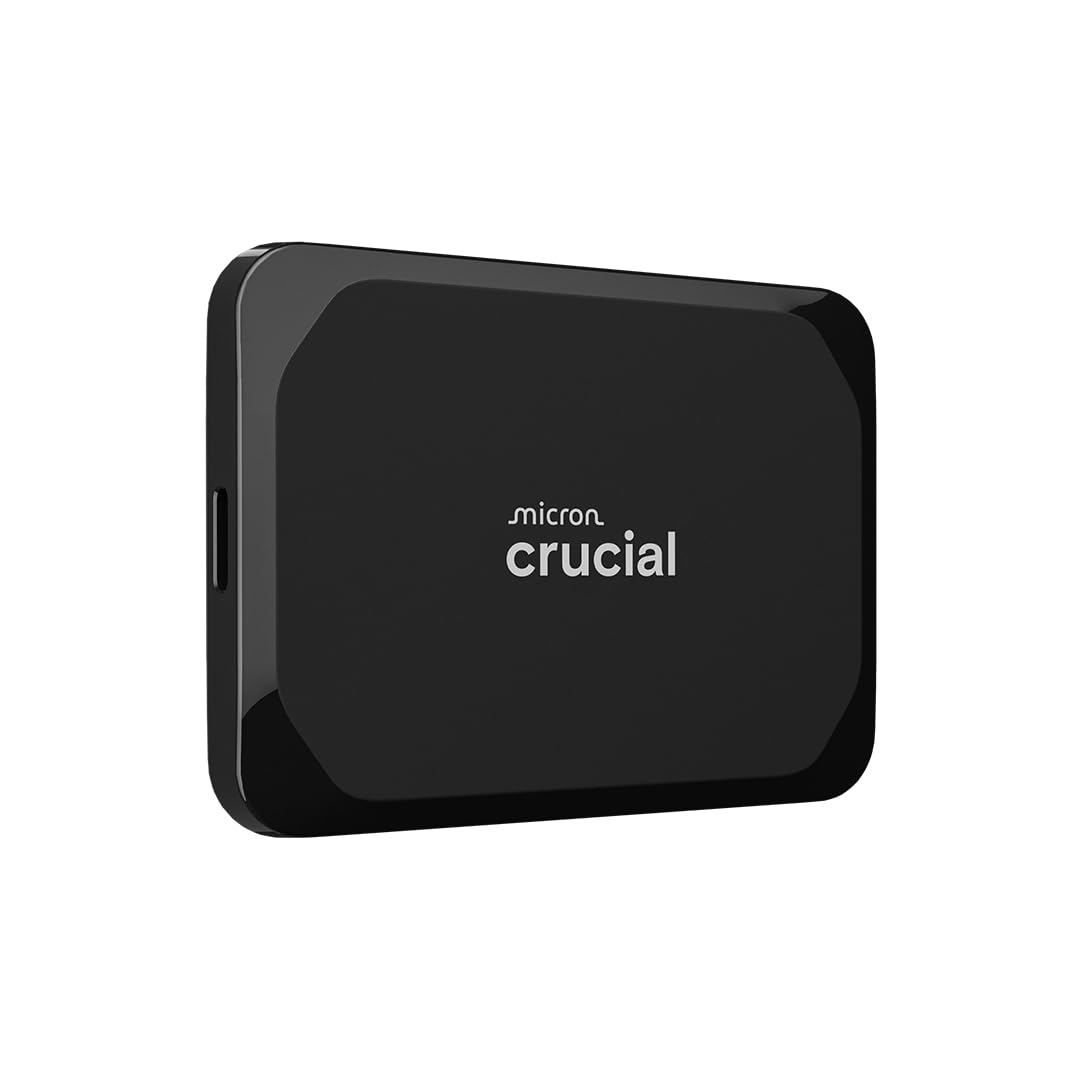
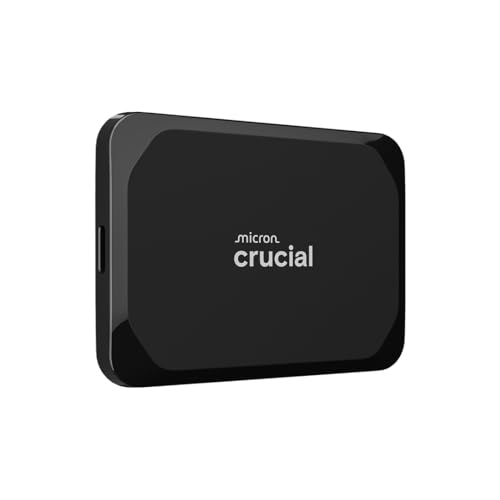
- High-speed Performance: Designed for casual gamers and everyday use, this external SSD with up to 1050MB/s accelerates l…
- Built to Last: Perfect for travel and all types of weather with IP55 water and dust resistance. Plus, it’s drop resistan…
- Broad Compatibility: External drive connects effortlessly with Windows, Mac, iPad Pro, Chromebooks, Android, Linux, PS4,…

A solid choice for anyone needing quick, reliable storage in a small, travel-friendly design.
Pros
- Transfers large files quickly and smoothly
- Compact and tough enough for travel
- Works easily across multiple devices
Cons
- Included cable feels too short
- Can warm up a bit during long transfers
- Lacks built-in hardware encryption
We recently used the Crucial X9 to back up project files and photos, and it handled everything without lag. The speed difference compared to a traditional hard drive was obvious right away. Plugging it into both a MacBook and a Windows PC worked without any setup issues.
Its small size makes it easy to slip into a pocket or backpack. The rubberized shell feels sturdy, and the drive didn’t show any signs of wear after a few trips. The water and dust resistance gave us extra confidence when using it outdoors.
We did notice the cable length could be better, especially when connecting to a desktop tower. Still, for quick backups, editing large media files, or expanding console storage, the Crucial X9 performs consistently well. It’s a dependable option for everyday use.
Kingston XS2000 Portable SSD


- Industry-leading read/write speeds up to 2,000MB/s. Requires compatible devices to reach USB 3.2 Gen 2×2 USB-C Performan…
- Capacities up to 4TB to support high resolution images, 8K videos, and large documents.
- Pocket-sized Portability
This drive is a solid choice for anyone who needs fast, reliable storage that fits easily in a pocket or laptop bag.
Pros
- Transfers large files very quickly
- Compact and easy to carry
- Feels sturdy and well built
Cons
- Cable quality could be better
- Can get warm during long transfers
- Higher price than slower drives
We liked how quickly the Kingston XS2000 handled big file transfers. Moving video projects and photo folders felt almost instant, especially when using the included USB‑C cable on a compatible port. The small metal body stayed cool enough to hold, though it did warm up a bit during long sessions.
Its small size made it easy for us to toss into a pocket or backpack. The rubber sleeve added a bit of protection without making it bulky. We appreciated that it came formatted and ready to use right out of the box, which saved setup time.
While the speed and design impressed us, the included cable felt a little flimsy. Replacing it with a higher‑quality one improved performance consistency. Overall, the Kingston XS2000 is a dependable portable SSD for anyone who values both speed and portability.
SanDisk Extreme Portable SSD 1TB


- Get NVMe solid state performance with up to 1050MB/s read and 1000MB/s write speeds in a portable, high-capacity drive(1…
- Up to 3-meter drop protection and IP65 water and dust resistance mean this tough drive can take a beating(3) (Previously…
- Use the handy carabiner loop to secure it to your belt loop or backpack for extra peace of mind.
This drive is a reliable choice for anyone who needs fast, durable, and portable storage for everyday use.
Pros
- Transfers large files quickly and smoothly
- Feels sturdy and well-built for travel
- Compact and easy to carry anywhere
Cons
- Can get warm during long transfers
- Short cable limits placement options
- Slightly higher price than basic drives
We’ve used the SanDisk Extreme Portable SSD for video editing and backups, and the speed difference compared to a regular external drive is obvious. Files move almost instantly, which saves time when working with large media projects. The connection stays stable, and performance doesn’t drop even after extended use.
The rubberized shell gives it a secure grip and adds protection against dust and splashes. We’ve tossed it into backpacks and camera bags without worry. It handled small drops well, which makes it a good fit for travel or outdoor work.
While the included cable is short, it’s fine for most setups. The drive runs quietly and doesn’t need extra power. We appreciate the five-year warranty, which adds peace of mind for long-term use. Overall, this SSD balances speed, toughness, and portability better than most options in its range.
Samsung T7 Shield Portable SSD


- GO THE DISTANCE: Withstand whatever adventure with the wildly reliable T7 Shield; It’s designed for the elements with wa…
- YOUR CONTENT CAPTURED: Take on the project, then transfer all your heavy files within seconds with the USB 3.2 Gen 2 Por…
- SHARE IDEAS IN A FLASH: The T7 is embedded with PCIe NVME technology that brings you fast read and write speeds up to 1,…
We recommend this drive to anyone who needs a fast, sturdy, and compact SSD for everyday use or travel.
Pros
- Feels solid and resists dust and water
- Transfers large files quickly without lag
- Compact and easy to carry anywhere
Cons
- Can get warm during long transfers
- Price is higher than basic portable drives
- Short cable length limits placement options
We recently used the Samsung T7 Shield to move large video files between a laptop and desktop. It handled the job smoothly, and the transfer speed felt almost instant compared to older USB drives. The rubberized case gave us confidence when tossing it into a bag.
The rugged design stood out. After a few drops and some dust exposure, it kept working without a hitch. The IP65 rating adds peace of mind when we’re shooting outdoors or working in unpredictable conditions.
We also liked that it connects easily to both computers and phones. However, we noticed it gets slightly warm after long sessions. Despite that, the performance stayed steady, and the drive never slowed down. For anyone who values speed and durability, the T7 Shield is a strong choice.
Samsung T9 Portable SSD


- NONSTOP SPEED: Race through projects with our fastest SSD for creators; Load, edit and transfer with sustained read and …
- DYNAMIC THERMAL GUARD: When you’re elbow-deep in a passion project, the T9 Portable SSD stays cool; Its advanced thermal…
- ADAPTS TO EVERY NEED: Whether you’re using a desktop, camera or a gaming console3, count on the T9 Portable SSD for exte…
We recommend this drive for anyone who needs fast, reliable portable storage that can handle frequent use.
Pros
- Transfers large files quickly and consistently
- Feels sturdy and well-made for travel
- Works smoothly with different devices
Cons
- Gets warm during long transfers
- Needs reformatting for some phones
- Costs more than slower options
We tested the Samsung T9 Portable SSD with several laptops and cameras, and it impressed us with its steady speed. Copying large video files felt quick and effortless. The drive didn’t slow down even when we moved hundreds of gigabytes at once.
The rubberized case gave us confidence to toss it in a backpack without worry. It handled bumps and short drops without any marks. The compact size made it easy to keep plugged in while working on the go.
However, we noticed it can heat up after extended use. It never became unsafe, but it’s warm to the touch. Also, some phones require reformatting before it works properly. Despite those small issues, the T9 delivers strong performance and durability that justify the price for anyone serious about speed and dependability.
Buying Guide
When we choose an external SSD, we focus on speed, storage size, and reliability. These factors affect how well the drive performs and how long it lasts.
We should check the connection type. Most modern drives use USB 3.2 or Thunderbolt 3/4. Faster ports mean quicker file transfers, which saves time when moving large files.
Next, we look at capacity. Common sizes range from 500GB to 4TB. Smaller drives cost less but fill up faster. Larger ones give more space for photos, videos, and backups.
Durability matters if we plan to travel or use the SSD often. A solid casing and shock resistance protect the drive from drops or bumps. Some drives also resist water and dust.
We should also consider security features like hardware encryption or password protection if we store sensitive data.
| Feature | What to Check | Why It Matters |
|---|---|---|
| Speed | Read/write rates (MB/s) | Faster transfers |
| Connection | USB 3.2, Thunderbolt | Better compatibility |
| Capacity | 500GB–4TB | Fits storage needs |
| Durability | Shock, water resistance | Longer lifespan |
| Security | Encryption, password | Protects data |
Finally, we compare price per gigabyte to see which drive gives the best value. A balanced choice meets our storage needs without overspending.
Frequently Asked Questions
We focus on what makes an external SSD reliable, fast, and worth its cost. We also look at how different connection types, durability, and usage habits affect performance and lifespan.
What features should I look for in a high-performance external SSD?
We look for fast read and write speeds, ideally above 1,000 MB/s for demanding tasks.
An NVMe-based SSD with a USB 3.2 Gen 2 or Thunderbolt 3/4 interface delivers the best performance.
We also value hardware encryption, compact design, and solid thermal management for consistent speed.
How does an external SSD’s durability compare to traditional hard drives?
External SSDs have no moving parts, so they handle drops and shocks better than hard drives.
They resist vibration and temperature changes more effectively.
However, we still avoid physical stress and extreme heat to prevent internal damage.
Can you recommend any external SSDs that offer the best value for their price?
We find the Samsung T7, Crucial X9 Pro, and SanDisk Extreme Portable SSD offer strong speed and reliability for their cost.
They balance performance, build quality, and warranty coverage well.
Budget models like the ADATA SE900G also perform well for everyday storage tasks.
What are the differences between USB-C and Thunderbolt external SSDs in terms of speed?
Thunderbolt SSDs reach speeds up to 40 Gbps, while USB-C (USB 3.2 Gen 2) drives usually top out around 10 Gbps.
Thunderbolt models suit professionals transferring large files.
USB-C drives offer wide compatibility and lower cost for general use.
How do I maintain the longevity and data integrity of an external SSD?
We safely eject the drive before unplugging it to avoid data corruption.
Keeping firmware updated and avoiding full capacity helps maintain speed and reliability.
We store the SSD in a cool, dry place and back up important data regularly.
Are there any external SSDs that are particularly good for gaming or heavy video editing?
For gaming, we prefer SSDs with low latency and high sustained speeds, such as the WD Black P50 or Samsung T9.
For video editing, drives with Thunderbolt 3/4 support, like the SanDisk Professional G-Drive, handle large 4K and 8K files efficiently.
These models maintain stable performance during long, intensive sessions.