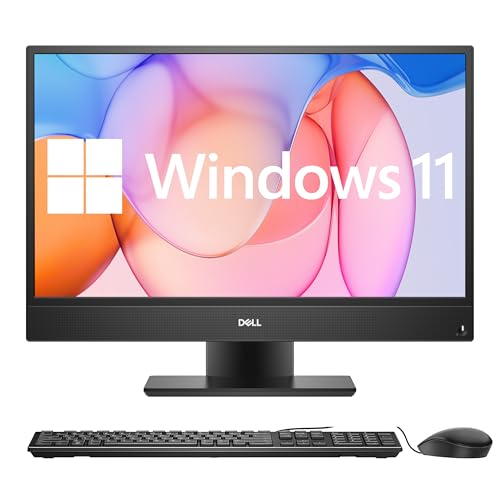
All-in-one PCs combine the computer, monitor, and speakers into a single unit, which makes them a practical choice for people who want less clutter on their desks. They can handle everyday tasks like web browsing, video calls, and office work, and many models are now powerful enough for creative projects or light gaming. This makes them a good middle ground between a laptop’s portability and a desktop’s performance.
When choosing an all-in-one PC, it’s important to look at the display quality, processor speed, memory, and storage. Screen size and resolution affect how comfortable it is to use for long periods, while the hardware inside determines how well it can handle demanding software. The right all-in-one PC should balance performance, display quality, and design to fit both your space and your needs.
We spent hours researching and comparing the top models of 2025 to find the best options that deliver strong performance, reliable features, and good value.
Best All In One PCs 2025
We reviewed the latest all in one PCs to find the models that offer strong performance, solid design, and good value. Our list highlights options that work well for home, work, and everyday use so you can choose the right fit for your needs.
Dell Inspiron 5430 All in One


- Next-level entertainment: Immerse yourself in a rich audio experience that’s loud and clear with dual 5W speakers and Do…
- Picture perfect: Put your best face forward, even in high-contrast lighting, with Wide Dynamic Range, on 5MP camera with…
- Eye comfort: This All-in-One display features Dell ComfortView Plus to help reduce harmful blue light and a flicker-free…
This all-in-one is a solid choice for anyone who wants a clean setup with a sharp screen and reliable everyday performance.
Pros
- Crisp display with strong color accuracy
- Compact design that saves desk space
- Built-in camera privacy feature
Cons
- Base model feels limited on memory
- Speakers can distort at higher volume
- Customer support can be hit or miss
We noticed right away how tidy the desk looked once we set this up. The stand allows the keyboard to slide underneath, which actually frees up more space than we expected. The white finish also blends in well with a modern workspace.
The screen quality stands out. Colors look balanced, and the brightness handles both work and streaming without straining our eyes. The added blue light reduction helps when we spend long hours in front of it.
Performance is smooth for browsing, video calls, and light multitasking. That said, we found the 8GB RAM easy to max out when running heavier tasks, so adding more memory would be smart if you plan to keep multiple apps open. Overall, the Dell Inspiron 5430 feels dependable for everyday use and keeps the setup simple.
HP 24″ All-in-One Desktop PC


- CONNECT AND COLLABORATE ON YOUR TERMS – Built with all the features to keep you connected like a tiltable pop-up privacy…
- MORE MUSCLE FOR YOUR HUSTLE – With a powerful AMD Ryzen 7 7730U processor, ample storage, speedy connections, and plenty…
- THE RIGHT FIT FOR EVERY FLOW – Immerse yourself in whatever you are doing with an ultra-slim three-sided micro-edge disp…
We recommend this PC for anyone who wants a clean, space-saving setup with solid everyday performance.
Pros
- Runs smoothly with multitasking and daily use
- Compact design that looks good on any desk
- Energy-efficient and eco-friendly build
Cons
- Limited upgrade options
- Basic graphics not ideal for heavy gaming
- Keyboard and mouse feel cheap
Using this HP All-in-One, we noticed right away how little space it takes up. The slim frame and nearly borderless screen make it fit well in smaller work areas without feeling cramped. It looks modern and blends in easily with other home or office setups.
Performance feels reliable for browsing, streaming, and productivity work. The Ryzen 7 processor handles several apps at once without slowing down, which makes switching between tasks smooth. We didn’t run into any lag during video calls or when working with multiple tabs open.
While the design and speed impressed us, the bundled keyboard and mouse left something to be desired. They work fine but feel lightweight compared to the rest of the machine. Also, the integrated graphics are enough for basic visuals, but not for demanding games or creative software.
Overall, this HP 24″ All-in-One is a dependable choice if we want a tidy setup for work, school, or home use without dealing with bulky towers. It’s a practical balance of performance and design.
Dell Inspiron 7730 All in One


- NARROW BORDERS: Immerse yourself in an expansive FHD screen with four-side narrow borders on this all-in-one desktop. En…
- INNOVATIVE STAND: Featuring innovative stand designs that offer better stability and additional desk space.
- COMFORTVIEW PLUS: Enhance eye comfort with ComfortView Plus on this all-in-one desktop. It reduces low blue light while …
This all-in-one PC is a solid choice for anyone who wants a clean setup with strong everyday performance and a sharp display.
Pros
- Crisp screen with accurate colors
- Quiet performance even under load
- Compact design saves desk space
Cons
- Stand assembly feels a bit tricky
- Speakers lack deep bass
- No built-in optical drive
We noticed right away how clean the design looks on a desk. The slim borders around the 27-inch screen make it feel larger than it is, and the touchscreen is responsive without being overly sensitive. It’s easy to get lost in work or streaming since the display handles both text and video well.
Using the Inspiron 7730 for multitasking felt smooth. We ran several apps at once and didn’t experience lag. The Intel processor and dedicated graphics card handle office tasks, browsing, and even light gaming without issue. It’s not a powerhouse for heavy gaming, but it’s more than enough for most daily needs.
The built-in speakers sound clear but lack depth, so we preferred using external speakers for music. Setup was straightforward, though attaching the stand took a minute to figure out. Once assembled, the unit felt stable and didn’t wobble. Overall, this Dell all-in-one balances design and performance in a way that makes it easy to recommend.
HP OmniStudio X All-in-One PC
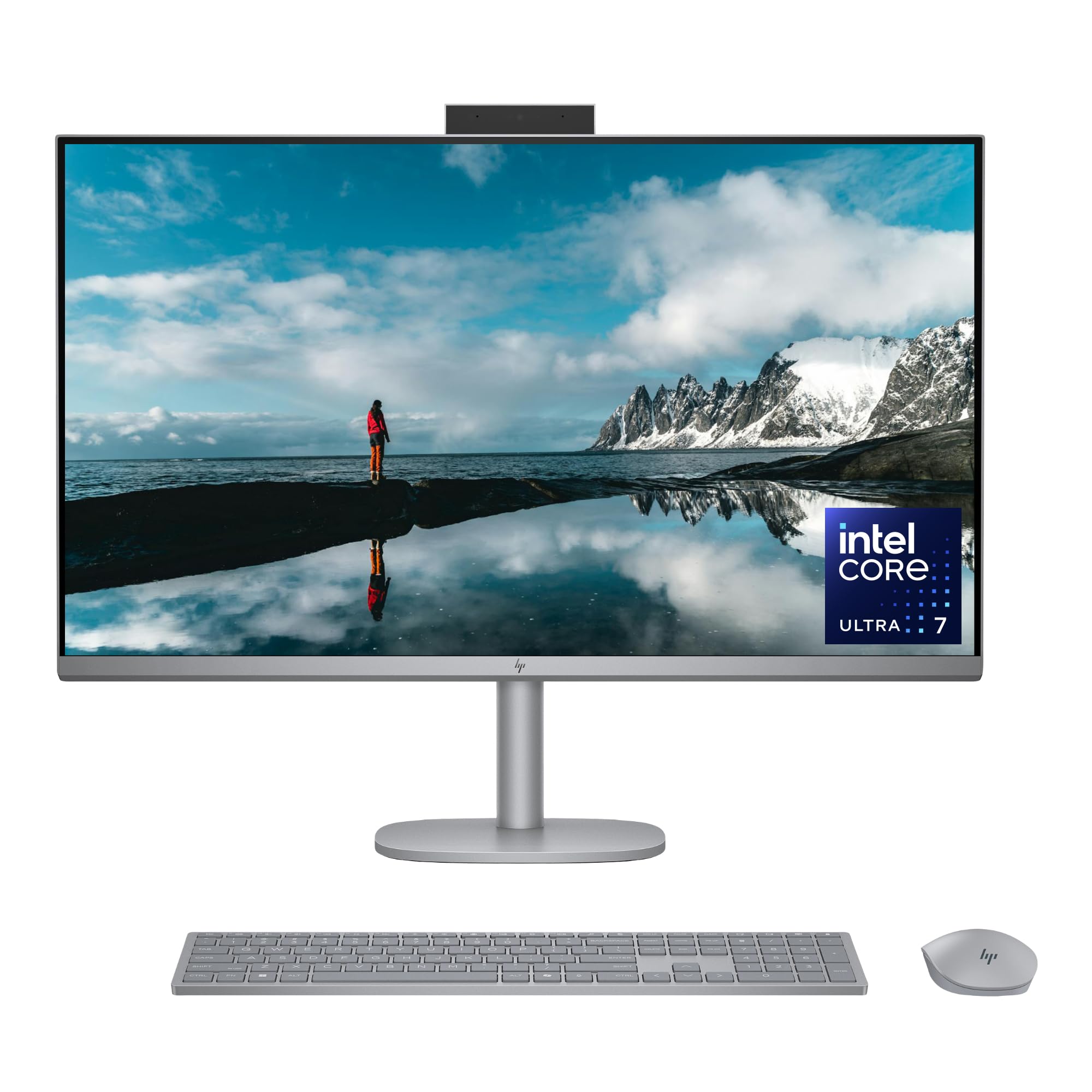

- 4K IPS DISPLAY – The spectacular 3840 x 2160 resolution delivers your content in jaw-dropping quality with true-to-life …
- WORKS WITH YOU, FOR MORE PRODUCTIVITY – Work, play and create with unmatched performance with an AI accelerating Intel C…
- CUTTING-EDGE CREATION EXPERIENCE – With Intel Arc graphics built-in, AI powers advanced creation and gameplay; Enjoy the…

We recommend this PC if you want a clean setup that handles both heavy work and entertainment without extra clutter.
Pros
- Crisp 4K display looks sharp for work and movies
- Fast performance keeps up with demanding tasks
- Quiet operation even under load
Cons
- Large size takes up more desk space
- Limited upgrade options compared to a tower
- Glossy finish shows fingerprints easily
The first thing we noticed with the HP OmniStudio X was how smooth everything felt. Switching between editing, browsing, and streaming happened without slowdowns. The built-in AI features helped speed up tasks, and we didn’t feel the system lag once.
Watching videos on the 31.5-inch 4K screen felt natural. The colors came through clear, and the wide viewing angles made it easy for us to share the screen without losing quality. The audio adapted to the room well, which made video calls and movies more enjoyable.
We also liked the thoughtful extras. The wireless keyboard and mouse saved desk space, and the system ran quietly even during long sessions. However, the large frame won’t suit smaller desks, and unlike a traditional desktop, upgrading parts later will be limited. For anyone who values simplicity and strong performance in one package, this model is a solid choice.
Apple iMac 2024 (M4, 24-inch)

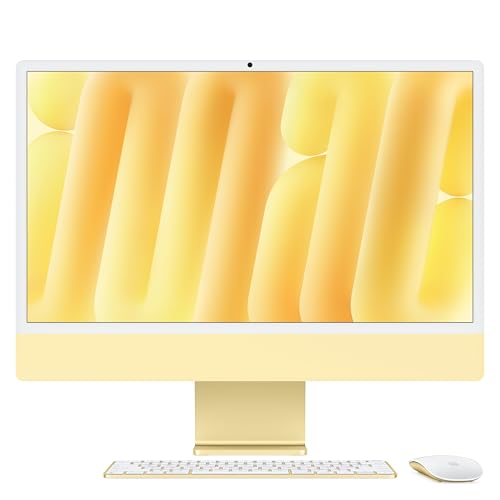
- BRILLLLLLIANT — iMac is the ultimate all-in-one desktop computer, powered by the M4 chip and built for Apple Intelligenc…
- FITS PERFECTLY IN YOUR SPACE — The all-in-one desktop design is strikingly thin, comes in seven vibrant colors, and elev…
- BUILT FOR APPLE INTELLIGENCE — Apple Intelligence is the personal intelligence system that helps you write, express your…
We recommend this iMac for anyone who wants a clean, fast, and dependable all-in-one computer that fits seamlessly into both work and home setups.
Pros
- Smooth performance with the M4 chip
- Sleek design that saves desk space
- Excellent display quality
Cons
- Limited port options
- Smaller screen than older 27-inch iMacs
- Higher price compared to some Windows alternatives
Using the new iMac feels effortless. The M4 chip makes everyday work like browsing, video calls, and editing photos quick and responsive. The 24-inch Retina screen looks sharp and bright, and we noticed colors pop more than on many other displays.
The design is slim and light, which makes it easy to move around if needed. We like how the stand doesn’t take up much room, leaving more desk space free. The bright color options also add personality, which is a nice change from plain black or silver machines.
On the downside, the ports are tucked in the back and there aren’t many of them. We had to use a hub to connect accessories, which isn’t ideal. The 24-inch screen also feels smaller if you’re used to the older 27-inch iMac, and the price is still on the higher side.
Overall, the Apple iMac 2024 is an excellent choice for users who want a reliable, stylish all-in-one with strong performance and a great display, as long as the trade-offs fit your needs.
Buying Guide
When we shop for an all-in-one PC, we should focus on the features that match our daily needs. A good choice depends on how we plan to use it, whether for work, school, or entertainment.
We need to check the processor and memory first. A faster processor and at least 8GB of RAM help us run multiple programs smoothly. If we plan on heavy tasks like video editing, more RAM and a stronger processor are important.
The display also matters. We should look for a screen size that fits our space and a resolution that makes text and images clear. Touchscreen support can be useful if we prefer direct interaction.
Storage is another key point. A solid-state drive (SSD) loads files and programs faster than a hard drive. If we need more space, we can look for models that combine SSD and HDD.
Here is a quick table to compare features:
| Feature | What to Look For | Why It Matters |
|---|---|---|
| Processor | Modern multi-core CPU | Faster performance for apps and tasks |
| Memory | 8GB minimum, 16GB better | Smooth multitasking |
| Storage | SSD or SSD + HDD combo | Faster load times, more space |
| Display | 22–27 inch, Full HD or 4K | Clear visuals, comfortable viewing |
| Ports | USB, HDMI, SD card slot | Better connectivity with devices |
We should also think about upgradability and port selection. Having enough ports makes it easier to connect accessories like keyboards, external drives, or monitors.
Frequently Asked Questions
We see big changes in all-in-one PCs this year, with stronger processors, sharper displays, and more efficient designs. Many models now balance creative workloads, gaming needs, and energy savings without taking up extra space.
What are the top-rated all-in-one PCs for professional graphic designers in 2025?
We find that the Apple iMac 2025 and Microsoft Surface Studio 3 stand out for design work. Both offer high-resolution displays, accurate color reproduction, and strong GPU support for creative software.
How do the best all-in-one PCs compare in terms of performance and price?
High-end models like the iMac 2025 deliver premium performance but cost more. Mid-range systems from HP and Dell offer solid speed for everyday tasks at lower prices. The gap between performance and cost depends on screen size, GPU, and storage options.
Which all-in-one PCs offer the best screen resolution and display quality this year?
The iMac 2025 6K Retina Display leads in resolution and clarity. The Surface Studio 3 also provides excellent sharpness with its 4.5K panel. Brands like Dell and Lenovo focus on bright, factory-calibrated displays that meet professional standards.
What are the most energy-efficient all-in-one PC models available now?
We notice that Lenovo’s Yoga AIO 9i and HP’s Envy Move AIO use low-power processors that cut energy use. These models also include adaptive brightness and power-saving modes, which help reduce electricity costs over time.
Can the leading all-in-one PCs handle advanced gaming and VR applications?
Yes, but only certain models. The iMac 2025 with upgraded GPU options and Dell’s XPS AIO can handle modern games and VR headsets. Entry-level models may struggle with demanding titles or VR performance.
What are the latest innovations in all-in-one PC design and functionality for 2025?
Manufacturers now add detachable displays, wireless charging bases, and AI-powered cooling systems. Some models include built-in 5G support and advanced webcams with auto-framing for video calls. These updates make all-in-one PCs more versatile for both work and home use.