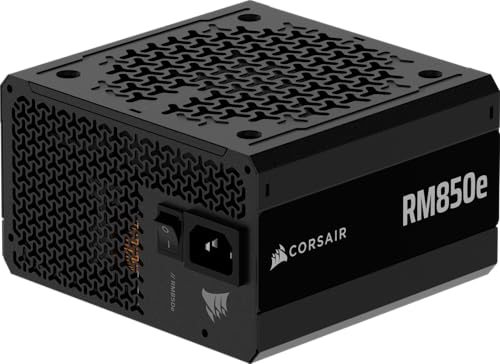
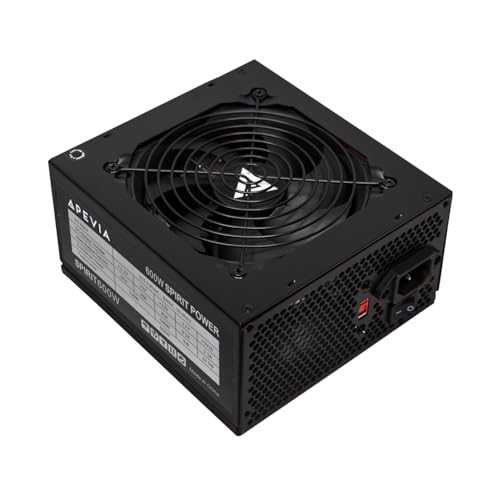
A power supply is the heart of any computer, providing stable and reliable energy to every component. Without a trustworthy unit, even the best graphics card or processor cannot perform well. Budget power supplies aim to deliver dependable performance at a lower price, making them a smart choice for everyday desktops and light gaming builds.
When shopping for a budget power supply, the main factors to compare are efficiency, wattage, and build quality. Units with an 80 Plus certification waste less energy as heat and run more efficiently. It’s also important to check the total power capacity and connector types to ensure compatibility with your system. A good budget power supply should balance cost, reliability, and safety without cutting corners on essential protections.
We researched and tested several affordable options to find which models offer the best performance for their price.
Best Budget Power Supplies
We found reliable and affordable power supplies that deliver steady performance without overspending. Our top picks include models that balance efficiency, build quality, and safety features. Below is our full list of the best budget power supplies.
Thermaltake Smart 500W PSU


- Delivers 500 Watt Continuous output at plus 40 degree. Compliance with Intel ATX 12 Volt 2.31 and EPS 12V 2.92 standards
- 80 PLUS Certified, 80 percentage efficiency under typical load
- Supports (2) PCI E 6plus2pin Connectors. Active (PFC) Power Factor Correction, MTBF: 100,000 hours

A solid option for budget PC builds that need reliable power and low noise without spending much.
Pros
- Runs very quietly even under load
- Feels dependable with stable performance
- Offers good value for the cost
Cons
- Cables are a bit stiff and plain
- Not modular, so extra wires can get in the way
- Limited headroom for future GPU upgrades
We recently installed this Thermaltake Smart 500W PSU in a mid-range PC, and the first thing we noticed was how quiet it runs. The 120mm fan spins smoothly and doesn’t drone like cheaper models we’ve used. It kept the case cool even after hours of testing.
Efficiency is another highlight. We didn’t see any noticeable power fluctuations, and the system stayed stable during gaming and multitasking. It’s not the most feature-rich power supply out there, but for a compact or budget build, it gets the essentials right.
There are a few trade-offs. The non-modular design makes cable management a bit tougher, especially in smaller cases. Still, if we want a dependable and affordable PSU that handles mainstream systems without complaint, this Thermaltake Smart 500W fits the job well.
MSI MAG A550BN Power Supply

A solid option for anyone building a modest gaming PC who wants quiet, steady power without overspending.
Pros
- Delivers reliable and stable performance during long gaming sessions
- Runs quietly, even when the system is under load
- Compact build fits well in smaller ATX cases
Cons
- Non-modular cables make wire management a bit messy
- Cable sleeves feel stiff and basic
- Comes with only a standard plug, which might need replacing in some regions
We tried the A550BN in a mid-range gaming setup, and it ran consistently without any voltage issues. The 80 PLUS Bronze rating offered some peace of mind for energy efficiency while keeping costs low. We appreciated that it stayed cool and nearly silent during use.
Cable management wasn’t the easiest part. The non-modular design meant we had to tuck away extra cables, which made the inside of the case less tidy. However, all the connections were secure, and installation didn’t take much time.
Overall, we view MSI MAG A550BN as an affordable, practical choice for budget PC builders who don’t need modular customization but want a quiet, dependable power source backed by a five-year warranty.
ARESGAME AGW600 Power Supply
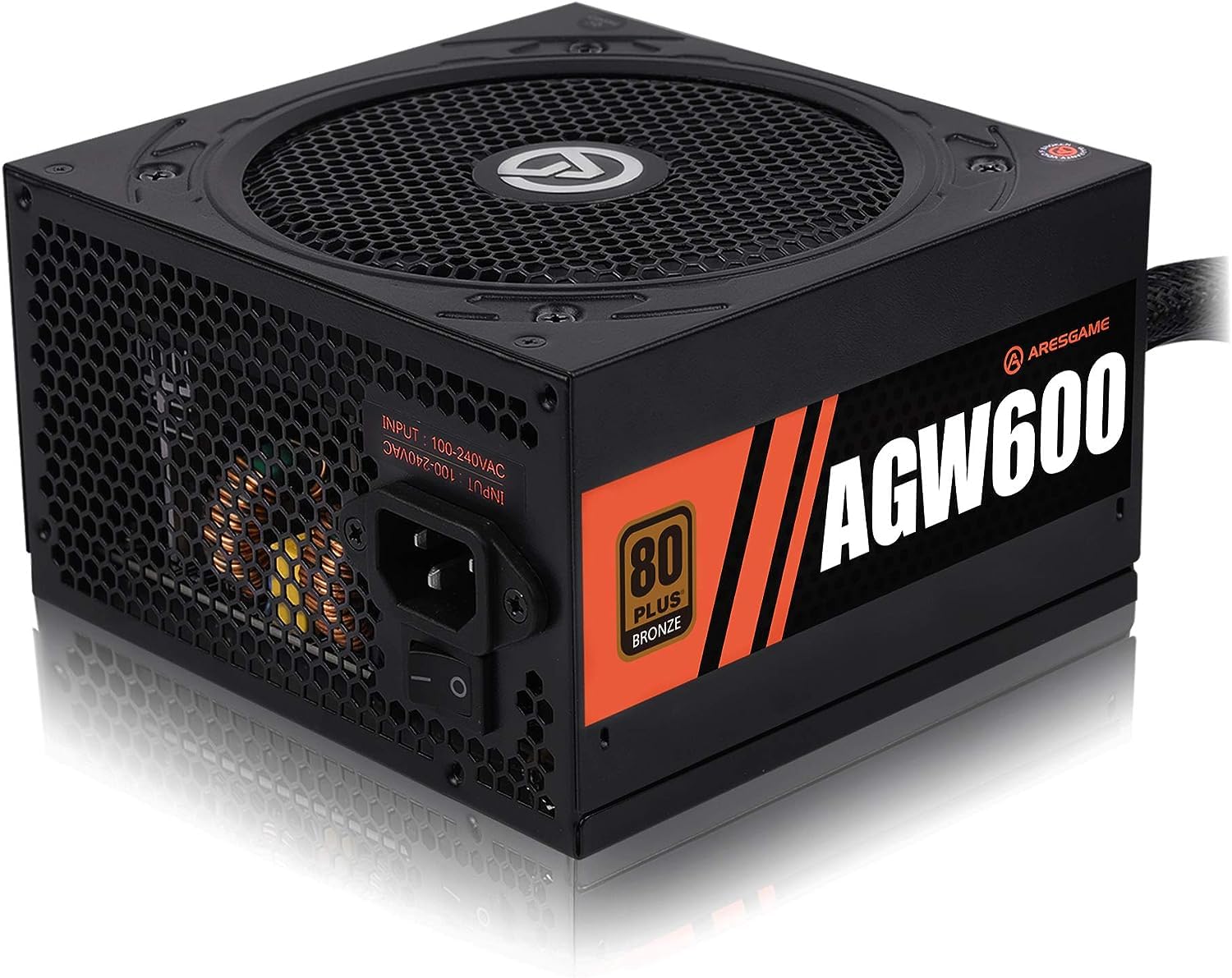

- 80 PLUS Bronze CERTIFIED
- 5-year limited warranty, guaranteeing long term reliable operation
- Low Noise Fan
We recommend the ARESGAME AGW600 to anyone wanting a dependable and quiet power supply that stays within a tight budget.
Pros
- Solid and steady performance under gaming loads
- Runs quiet, even during stress tests
- Clean all-black design looks good in most builds
Cons
- Non‑modular cables can clutter tight cases
- Cables feel a bit stiff
- Not ideal for very high‑end builds
When we installed the AGW600 in our mid‑range rig, setup felt smooth and straightforward. The included tester helped double‑check it before connecting components, which gave us peace of mind. Power delivery remained consistent during long gaming sessions, and there were no sudden drops or fan noise spikes.
We also liked the overall look. The full black coating blends well with modern cases, and the simple finish keeps it from standing out too much. Cable management took some effort because everything is wired, but the included ties helped keep things tidy enough for good airflow.
After using it for a few weeks, we noticed stable temperatures and no strange coil whine. It’s not built for top‑tier GPUs, but for most everyday or budget gaming setups, this PSU offers reliability and quiet operation at an affordable price.
Thermaltake Smart 600W Power Supply

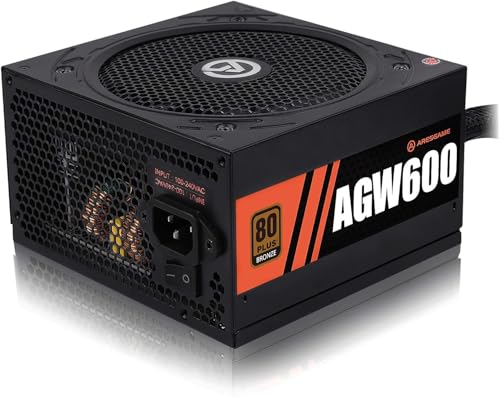
- 600w ATX gaming pc power supply
- 80 plus Bronze certified, with 85% efficiency or higher and very stable voltage output
- All cables are black and not ketchup and mustard colored
A reliable pick for anyone building a cost‑friendly PC that still needs steady power and quiet operation.
Pros
- Works quietly even under moderate load
- Feels well‑built with clean cable routing
- Easy setup for most standard ATX cases
Cons
- White efficiency rating limits top‑end performance
- Cables are stiff and not modular
- Some setups may need adapter extensions
We found the Thermaltake Smart 600W easy to install in a mid‑tower case. The screw holes lined up perfectly, and the pre‑sleeved cables reached every component without much effort. Once powered on, the fan barely made a sound, and temperatures stayed consistent through long sessions.
Under typical PC use—browsing, gaming, and light design work—it delivered stable performance with no random shutdowns. The single +12V rail handled an older graphics card and a few drives without strain. For a low‑cost option, it gave us confidence in overall system stability.
While it’s not the most efficient unit compared to bronze or gold models, it serves well for those on a tighter budget. We like that it’s a plug‑and‑use option requiring little attention once installed. For a straightforward and quiet power supply, this one fits the bill for basic and mid‑range builds.
MSI MAG A650BN Power Supply


- Accommodating any standard system with the most demanding requirements
- A fan with intelligent speed control ensures exceptional airflow with low noise emission
- In addition, the dedicated +12V line allows constant use with stable and reliable performance
This power supply fits well for anyone building a budget gaming PC who still wants stable power and quiet performance.
Pros
- Runs quietly even under heavy use
- Feels solid and dependable during long gaming sessions
- Offers strong value for the cost
Cons
- Cables are fixed and can be hard to route neatly
- Not ideal for very high-end graphics cards
- Comes with a non‑standard power plug in some regions
We tested the MSI MAG A650BN in a mid‑range build and found it provides consistent, steady power. It started up smoothly and handled a Ryzen 5 and RX 6600 setup without any drops or restarts. The fan noise stayed low, even when we pushed the system in stress tests.
The non‑modular cables made installation take a bit longer. We had to plan out cable management to keep the build clean. Still, the cable quality felt sturdy, and the connectors fit snugly.
Overall, we see the MSI MAG A650BN as a reliable and cost‑effective option for most average gaming builds. It’s not fancy, but it gets the job done quietly and efficiently while saving us money for other upgrades.
Buying Guide
When we choose a budget power supply, we focus on efficiency, wattage, and build quality. These factors help us get the best value without risking system stability. Even when saving money, we should avoid the cheapest options that cut corners on safety.
We start by checking the wattage rating. A power supply should handle our computer’s total power needs with some room to spare. Most budget systems run well with 450–650 watts. It’s better to choose slightly more power than barely enough.
Efficiency ratings show how well a power supply uses electricity. We look for the 80 Plus certification. The table below explains common ratings:
| Rating | Typical Efficiency | Notes |
|---|---|---|
| 80 Plus | ~80% | Basic efficiency |
| Bronze | ~82–85% | Good for most budget PCs |
| Silver | ~85–88% | More efficient but usually costs more |
We also check connectors and cable types. Modular or semi-modular cables make building and cleaning easier. Non-modular units often cost less, but they create more cable clutter.
Safety features like overvoltage, short-circuit, and overcurrent protection matter. Even budget units should include them. Reliable protection helps prevent damage to our components.
Finally, we read reviews that test performance under load. This helps us confirm that a power supply meets its rated output and runs quietly.
Frequently Asked Questions
We focus on how wattage, efficiency, and safety ratings affect performance and reliability. Our goal is to help readers choose affordable power supplies that work well for everyday and gaming PCs.
What are the key features to look for in a cost-effective power supply?
We look for stable voltage output, solid build quality, and good internal components. A reliable budget model should include over-voltage and short-circuit protection. Modular cables and quiet fan operation also add value without raising the cost.
How does wattage impact the performance of a budget power supply?
Wattage determines how much power the unit can deliver to your components. If the wattage is too low, the system may shut down or perform poorly. We recommend choosing a model with 100–150 watts above your system’s estimated draw to allow for upgrades.
What are some reputable brands for reliable budget power supplies?
Brands such as Corsair, EVGA, Thermaltake, and Cooler Master offer dependable budget models. These companies often provide solid warranties and meet industry testing standards. We find their lower-end units still perform consistently for typical home or office builds.
How important is efficiency rating in a budget power supply?
Efficiency rating affects how much power is lost as heat. A higher rating, such as 80 Plus Bronze or 80 Plus Gold, means the power supply wastes less electricity. We recommend at least an 80 Plus Bronze unit for balanced efficiency and cost.
Can a budget power supply support a gaming PC?
Yes, many budget power supplies can handle mid-range gaming setups if they provide enough wattage and stable output. We suggest checking the GPU and CPU requirements before purchase. Avoid unbranded units, as they may fail under load or lack safety protections.
What safety certifications should be considered when choosing a budget power supply?
Look for UL, CE, or FCC certifications to ensure compliance with safety standards. We also prioritize models with over-current, over-temperature, and surge protection. These features help protect both the power supply and the components it powers.

- 80 PLUS Bronze CERTIFIED
- 7-year limited warranty, guaranteeing long term reliable operation
- Low Noise Fan