MasteriTech

Product Roundup
OLED Monitor Burn-In: 5 Picks and What Each Warranty Says
OLED monitor burn-in is the question buyers keep asking, and the answer you can rely on is what the maker puts in writing. So for these five OLED gaming monitors from ASUS, Samsung and LG, we quote each burn-in warranty line straight from the maker’s own US product page, next to the specs that matter.
Four of the five say burn-in is covered, with conditions. For the wider picture, see our OLED gaming monitor guide or watch Are OLED Monitors Worth the Hype? 5 Things to Know First on our YouTube channel.
As an Amazon Associate I earn from qualifying purchases.
01 · Lead pick
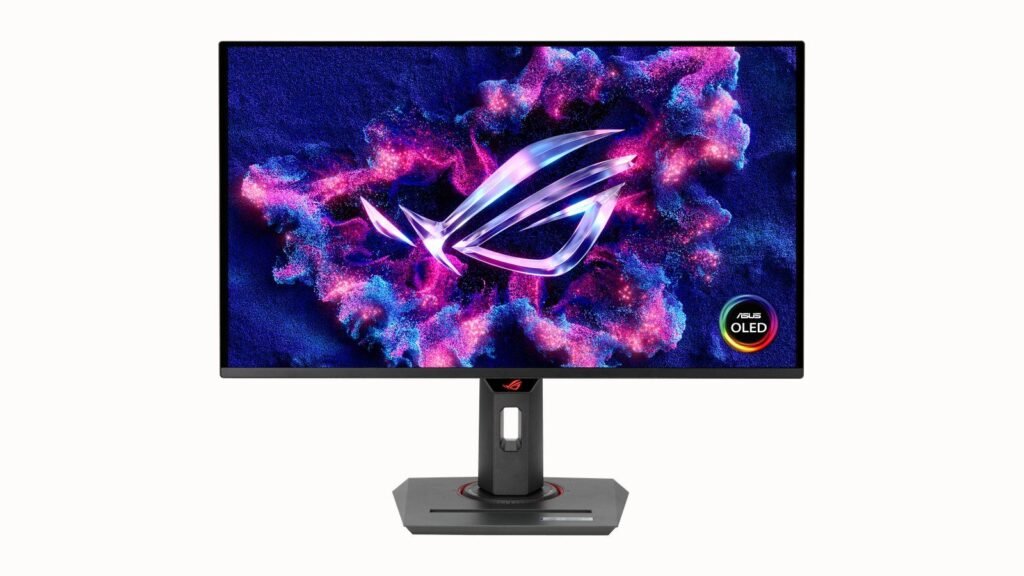
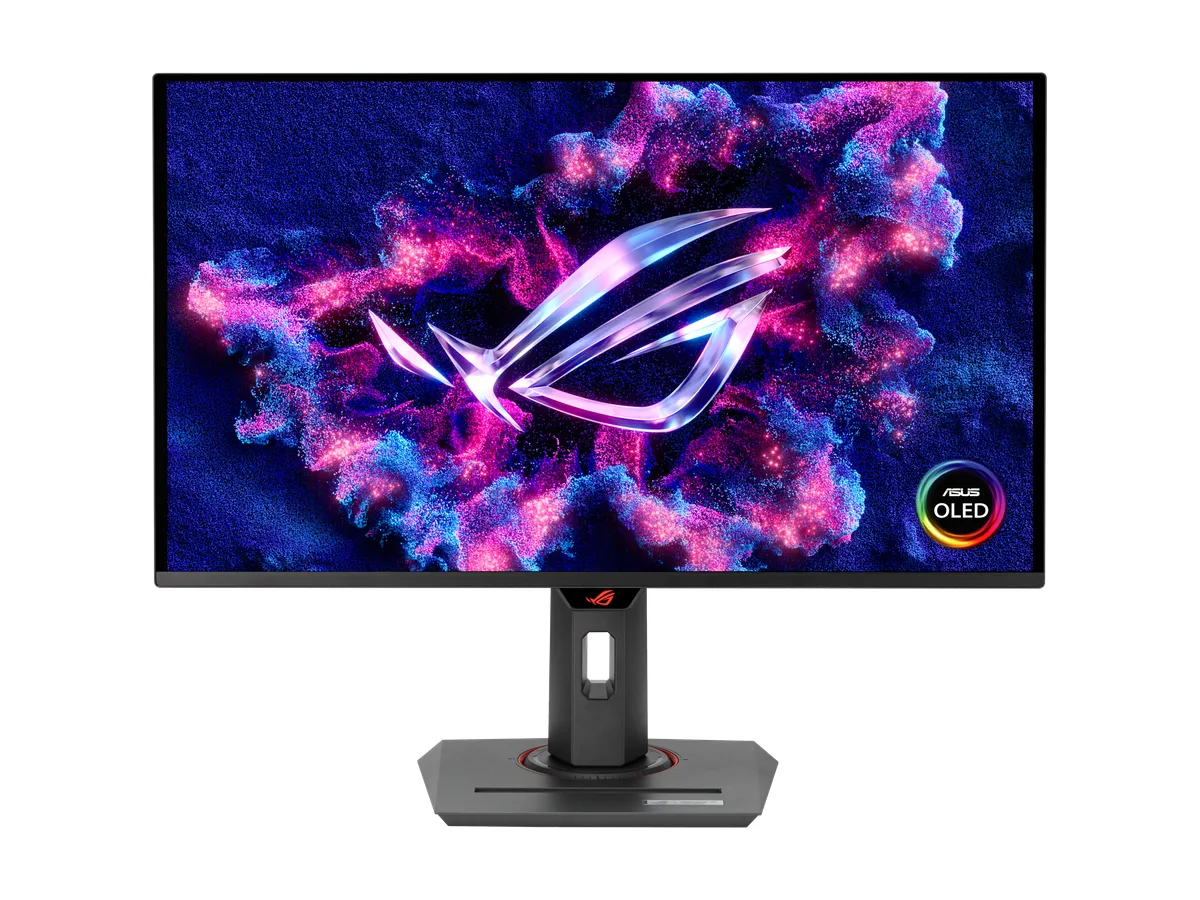
ASUS ROG Strix OLED XG27UCDMG
Pick it for: a 4K OLED with burn-in written into the warranty. If OLED monitor burn-in is what keeps you on the fence, this gives a clear answer. ASUS builds it around a 26.5-inch 4K Tandem QD-OLED panel at 240Hz with a 0.03ms response time. Its OLED Care Pro tools include a Neo Proximity Sensor that switches to a black screen when you walk away, to reduce the risk of burn-in.
Burn-in warranty, in the maker’s words: “3 years (including panel burn-in)” (ROG USA spec page).
Key specs: 26.5″ 4K (3840 x 2160) Tandem QD-OLED · 240Hz · 0.03ms · VESA DisplayHDR 400 True Black · DisplayPort 1.4, 2× HDMI 2.1, USB-C with 90W PD
02
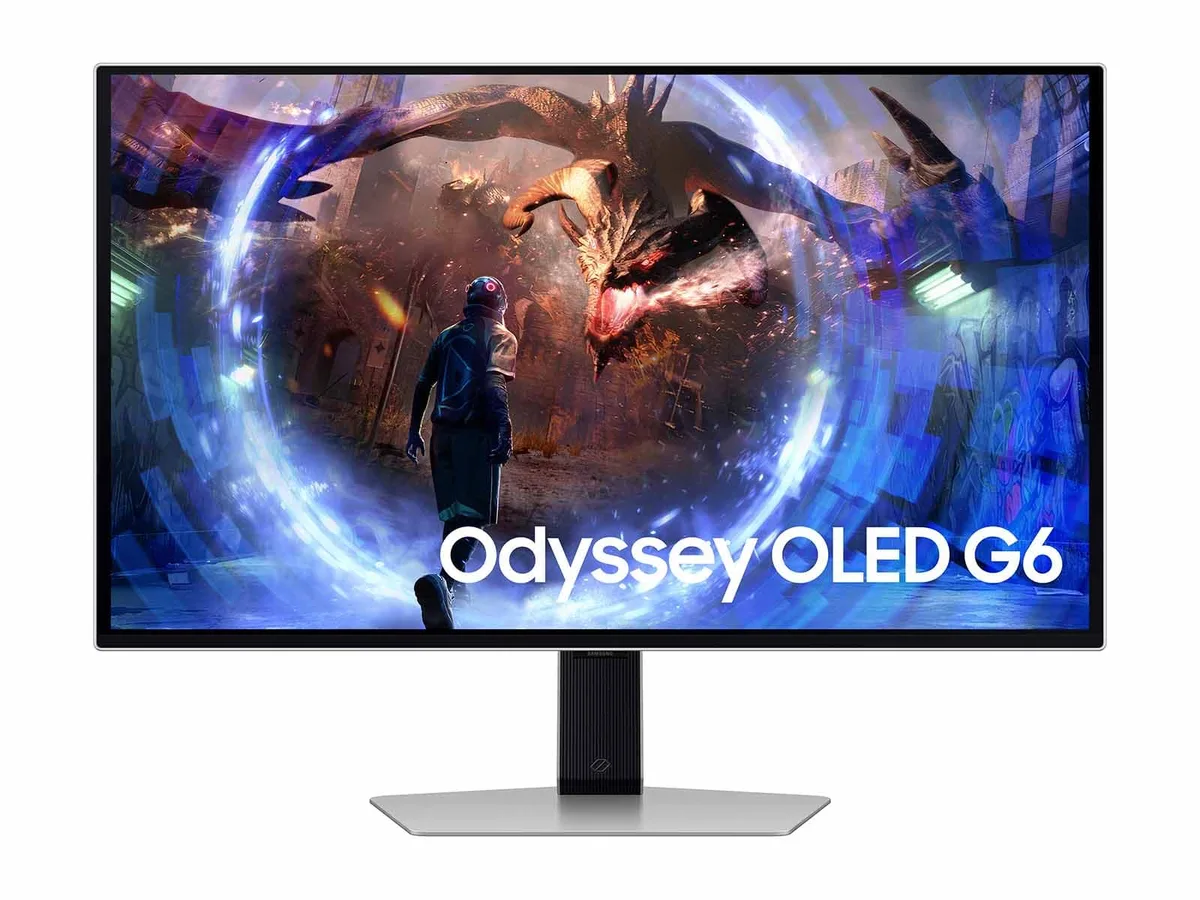
Samsung Odyssey OLED G6 (G60SD)
Pick it for: high-refresh QHD with a matte screen. The G60SD pairs a 27-inch QHD OLED with a 360Hz refresh rate and Samsung’s Glare Free matte finish. Its Samsung OLED Safeguard+ set adds a Dynamic Cooling System with a pulsating heat pipe, a Thermal Modulation System, logo and taskbar dimming (in AV mode only) and a screen saver that dims after 10 minutes. Samsung’s product page doesn’t list the warranty length, so check Samsung’s terms.
Burn-in warranty, in the maker’s words: “Burn-in at normal usage covered within warranty. (But, not covered for Commercial, abuse or mis-use)” (Samsung US spec sheet).
Key specs: 27″ QHD (2560 x 1440) OLED · 360Hz · 0.03ms (GtG) · AMD FreeSync Premium Pro · HDR10+ Gaming · 1× DisplayPort 1.4, 2× HDMI 2.1
03
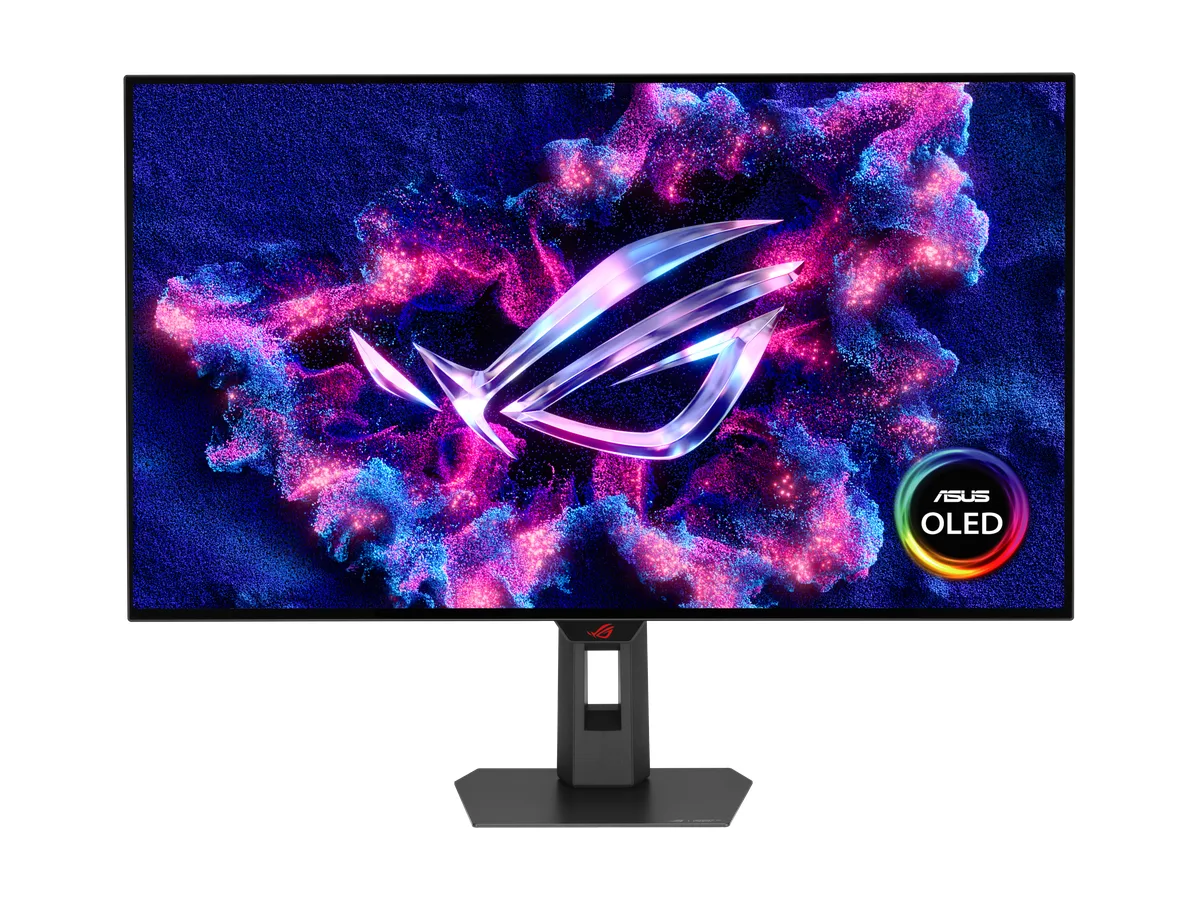
ASUS ROG Strix OLED XG32UCWMG
Pick it for: a bigger 32-inch screen that switches modes. This is a 32-inch class (31.5-inch viewable) 4K TrueBlack Glossy WOLED panel with a dual mode: 4K at 240Hz, or FHD at 480Hz for fast shooters. These are separate modes, not 4K at 480Hz. ASUS adds pixel shifting and the Neo Proximity Sensor to help guard against burn-in.
Burn-in warranty, in the maker’s words: “3 years (including panel burn-in)” (ROG USA spec page).
Key specs: 31.5″ 4K (3840 x 2160) WOLED, TrueBlack Glossy · dual mode 4K@240Hz / FHD@480Hz · 0.03ms · DisplayPort 1.4 (DSC), 2× HDMI 2.1, USB-C with 15W PD
04
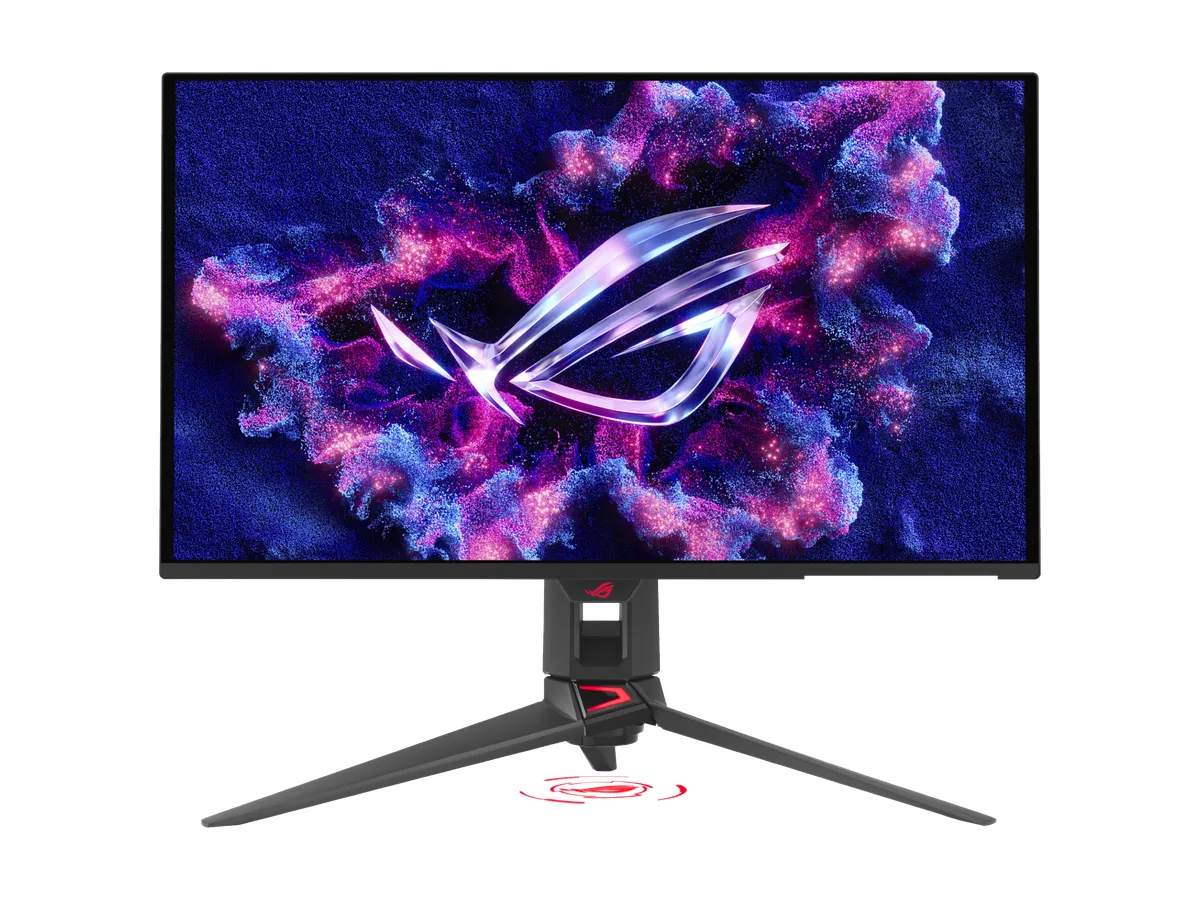
ASUS ROG Swift OLED PG27UCDM
Pick it for: a port upgrade. The PG27UCDM uses the same class of 26.5-inch 4K Tandem QD-OLED panel at 240Hz and 0.03ms, then adds DisplayPort 2.1a UHBR20 with full 80Gbps bandwidth, USB-C with 90W power delivery, HDMI 2.1 and a tripod socket. It also supports Dolby Vision and gets the same OLED Care Pro burn-in tools.
Burn-in warranty, in the maker’s words: “3 years (including panel burn-in)” (ROG USA spec page).
Key specs: 26.5″ 4K (3840 x 2160) Tandem QD-OLED · 240Hz · 0.03ms · Dolby Vision · DisplayPort 2.1a UHBR20, 2× HDMI 2.1, USB-C with 90W PD
05
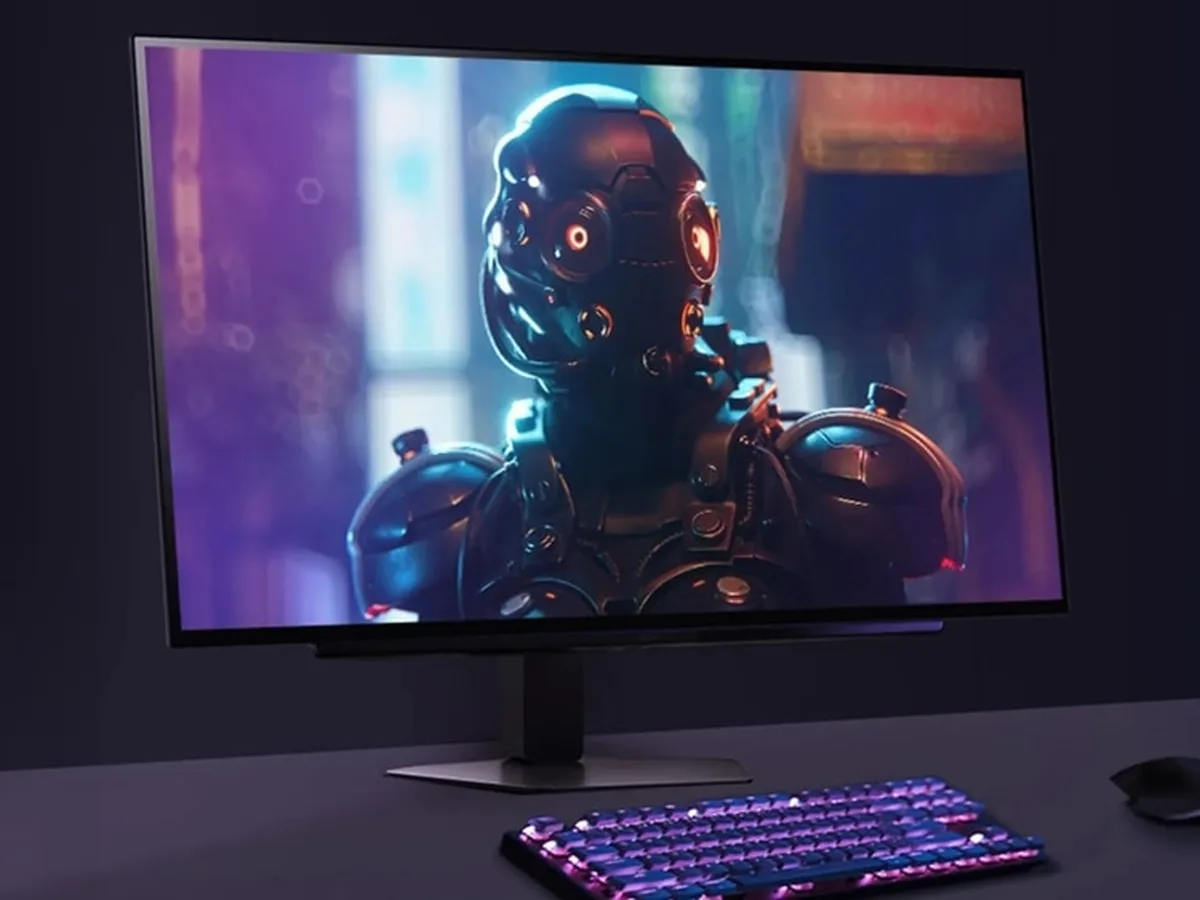
LG UltraGear OLED 27GX704A-B
Pick it for: a glossy QHD OLED at a lower tier. LG’s 27GX704A-B is a 26.5-inch QHD glossy OLED at 240Hz and 0.03ms (GtG), with DisplayHDR True Black 400. LG says its OLED protection features “help mitigate image retention” and that “automatic pixel care cycles run during standby or shutdown”. Its product page lists the warranty as “2 Year Parts and Labor” and doesn’t mention burn-in, so check LG’s terms before you buy.
Key specs: 26.5″ QHD (2560 x 1440) glossy OLED · 240Hz · 0.03ms (GtG) · DisplayHDR True Black 400 · DisplayPort 1.4, HDMI 2.1, 2× USB downstream
OLED monitor burn-in FAQs
Is OLED burn-in still a problem in 2026?
It is still possible, which is why makers keep adding protection. ASUS’s own page says burn-in “is rare with normal use”, yet every monitor here ships with tools such as pixel shifting, presence sensors, logo dimming or pixel care cycles. A sensible buy pairs those tools with a warranty that names burn-in.
Does an OLED monitor warranty cover burn-in?
It depends on the model, so read the exact wording. The three ASUS picks list “3 years (including panel burn-in)”. Samsung’s G60SD sheet says burn-in at normal usage is covered, but not for commercial use, abuse or misuse. LG’s 27GX704A-B page lists “2 Year Parts and Labor” without mentioning burn-in.
How can I lower the risk of OLED monitor burn-in?
Let pixel refresh or pixel care cycles run when the screen is in standby, use the screen saver or presence sensor when you step away, and avoid leaving bright static elements such as taskbars or HUDs on screen at high brightness for hours.
QD-OLED vs WOLED: what is the difference?
ASUS explains that QD-OLED uses a blue light source and a quantum dot layer to make red and green, for strong colour at high brightness. WOLED uses a white light source with colour filters, which ASUS says helps peak white brightness in bright rooms. Here, the XG27UCDMG and PG27UCDM are QD-OLED and the XG32UCWMG is WOLED.
Warranty lines and specs were checked on each maker’s official US product and spec pages on 7 November 2026. Terms, eligibility and specs can change, so confirm the exact model and warranty on the maker’s site before you buy. Still deciding on resolution? See our 4K gaming monitor picks.