MasteriTech
Product Review
Lepow TriScreen Pro Review: Give Every Screen a Job
By MasteriTech · October 23, 2026
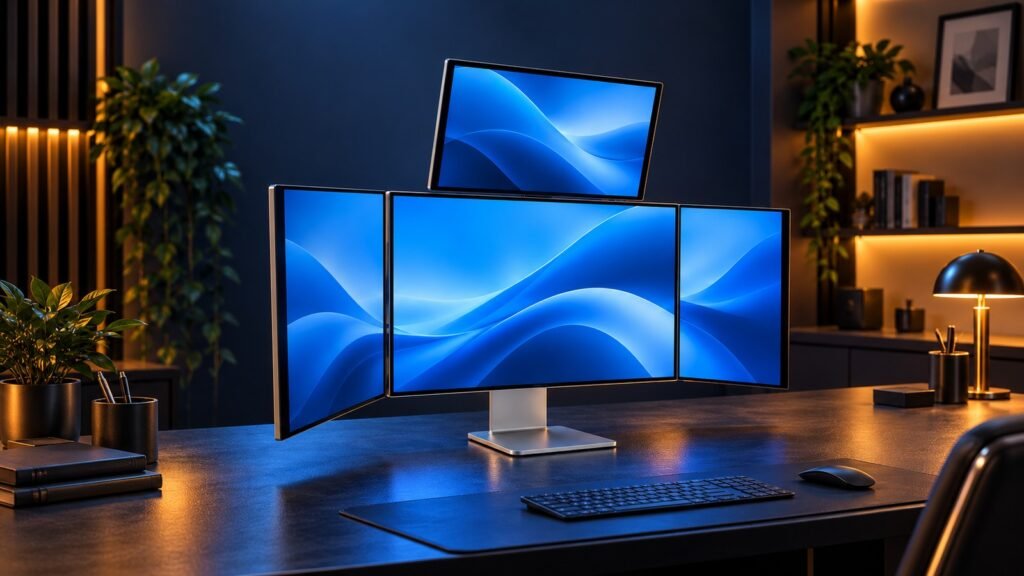
A four-screen desk becomes useful when it keeps the information you need visible beside the work you are doing. We tested the full Lepow TriScreen Pro workstation ourselves, and its appeal comes down to that practical question: what would you leave open on each display?
01
Lepow TriScreen Pro
By MasteriTech
Start with the window you keep losing
You open a reference, return to your main application, and immediately need the reference again. More pixels can help, but the more useful change is having a persistent place for the information that supports your main task.
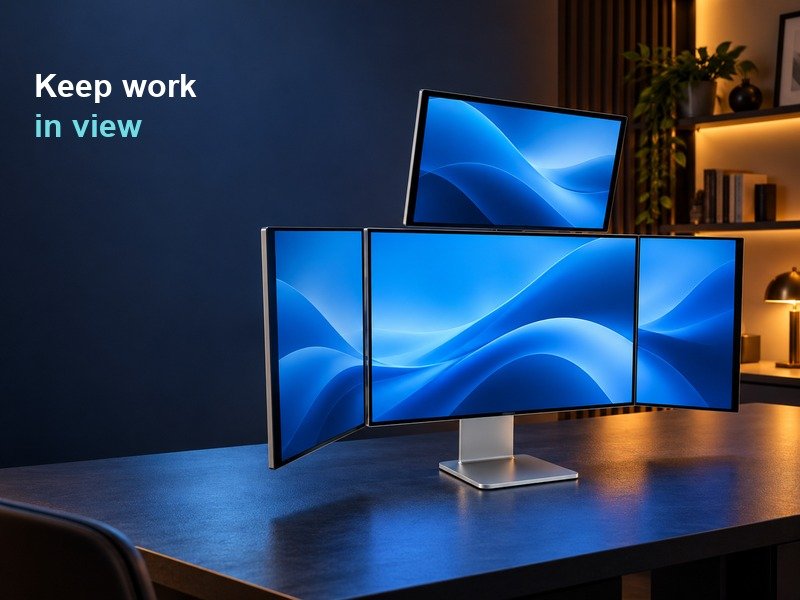
The Lepow TriScreen Pro 27″ 4K Quad Monitor Workstation brings together a large central display, two narrower side panels and a smaller landscape display above. It gives those supporting windows somewhere to live. An editing interface could occupy the centre, with project files and a reference beside it. A developer could separate documentation from logs. A spreadsheet user could keep the source document visible instead of covering the sheet.
These are examples of arranging a workspace, rather than claims that four screens automatically make a task faster. Before buying, list the windows you regularly need together. If the list is short, the largest configuration may offer less value than its striking appearance suggests.