B650 or B850? Choose an AM5 Motherboard Around Your Finished Build

B650 or B850? Choose an AM5 Motherboard Around Your Finished Build

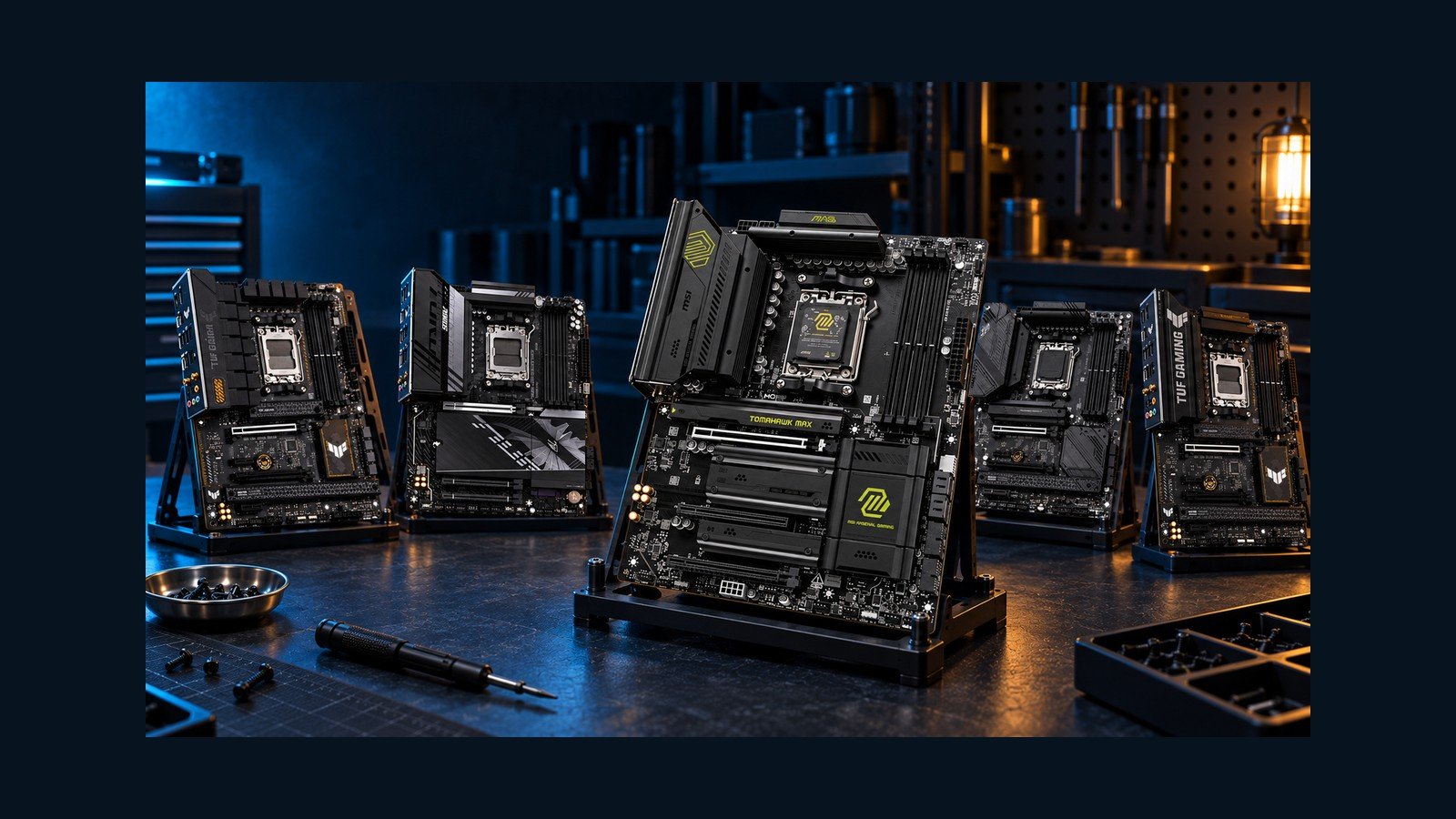
The useful motherboard comparison starts with a parts list: your graphics card, every SSD, your SATA drives, and any capture or network card. A newer chipset can add connections you need, but it cannot guarantee that every connector works independently. These five exact AM5 boards illustrate why storage layout and lane sharing deserve more attention than the badge on the box.

Disclaimer – As An Amazon Associate, I Earn From Qualifying Purchases.

*Featured image: AI-generated editorial category illustration. Product illustrations show hardware context; specifications below come from verified manufacturer documentation, not generated images. This is a specification-based buying comparison, not a hands-on performance benchmark.*

## First, draw the completed system

Write down which drives you will install now and which upgrades you reasonably expect. Separate M.2 drives from SATA drives, and reserve a slot for every expansion card. Then open the exact motherboard manual and compare that plan with its sharing table. Three visible M.2 sockets and two long PCIe slots do not necessarily mean five independent connections.

Treat graphics and storage generations separately. A board can provide Gen5 M.2 storage while its graphics slot remains Gen4. Likewise, a full-length expansion connector can be wired for only one lane. Neither distinction makes a board unsuitable by itself; it changes which build it suits.

The ranking below weighs practical connectivity and the captured relative value of these five supplied listings. Check current availability and the exact variant before ordering. CPU choice can change available lanes or compatibility, and an older BIOS may need an update for your processor.

## Which one should you choose?

Start with the constraint you cannot work around comfortably. Six SATA drives point toward the B650 Tomahawk. Four M.2 positions and a suitable faster network favor the B850 Tomahawk MAX. A balanced modern build can suit the TUF B850, while the AORUS deserves attention if its front USB connection matters. A discounted TUF B650 can still make sense for Gen5 storage with Gen4 graphics.

Before ordering, verify the exact model, CPU and BIOS support, drive-sharing table, case connections, seller and return terms. The right motherboard is the one whose active connections match your finished PC.
Five CPU Air Coolers: Choose Around Your Case and RAM

Five CPU Air Coolers: Choose Around Your Case and RAM

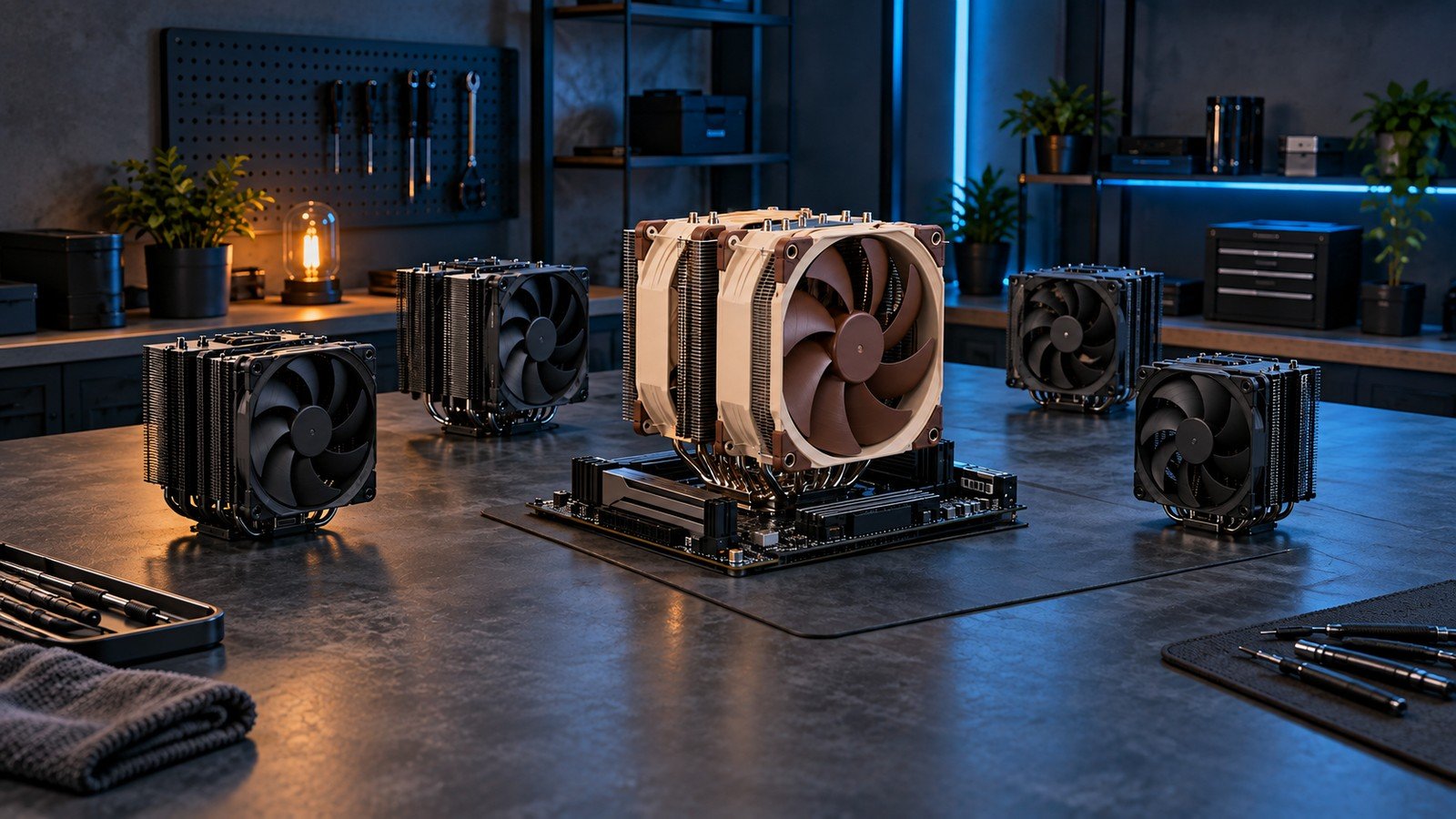
A CPU cooler can look compatible on a specification sheet and still stop your side panel from closing. The missing measurement is often the front fan: lifting it above tall memory increases the installed height. Start with your case, memory and socket, then choose the cooler that solves your build’s actual problem.

MasteriTech’s shortlist compares five exact dual-tower models. Our order balances their documented features, fit and the price position captured for this review. It is a buying recommendation, not a thermal benchmark ranking. Prices change, so compare the current listings before making the final choice.

Featured image: illustrative CPU air-cooler category scene, not an exact five-model photograph.

As an Amazon Associate, I earn from qualifying purchases.

Five Full-Tower PC Cases: Choose by Cooling Layout and Fit

Five Full-Tower PC Cases: Choose by Cooling Layout and Fit

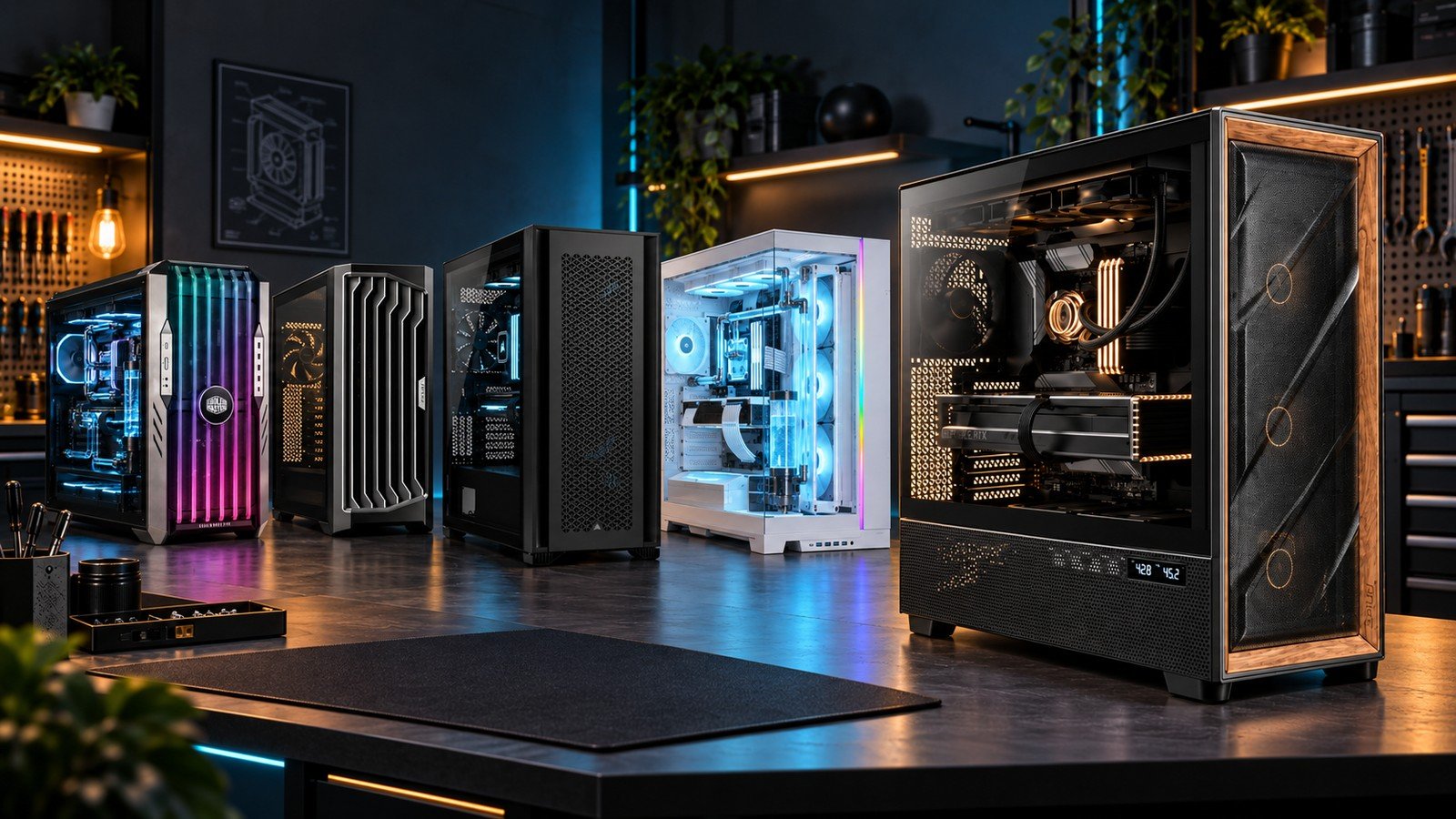
A full-tower PC case should solve a specific build problem. Extra volume can make a large radiator, future storage or a showcase loop easier to arrange, but it also takes up space and can encourage purchases that do not fit together. Start with your component list and cooling diagram, then choose the enclosure.

These five exact cases offer different answers. Our ranking considers included cooling hardware, documented radiator combinations, practical fit and the kind of build each case suits. It is a guide to choosing a platform, not a claim that these cases were thermally benchmarked against one another. Confirm current manufacturer guidance for your exact hardware before ordering.

As An Amazon Associate, I Earn From Qualifying Purchases.

Which 360mm AIO Fits Your PC? Five Coolers, Five Different Priorities

Which 360mm AIO Fits Your PC? Five Coolers, Five Different Priorities

Before deciding which cooler looks best, measure the space above or beside your motherboard. The nominal 360mm class describes the three-fan layout, not the complete installed envelope. Radiator length, thickness, fan depth, mounting brackets, fittings and tube bends all need room. A case that advertises a 360mm mount can still leave an awkward collision with RAM, motherboard heatsinks or a nearby panel.

Next, list the connections you can actually provide. Fan PWM, 5V ARGB, internal USB and any required controller are different jobs. Fewer visible wires do not necessarily mean fewer requirements. Finally, decide what a display would do for you: useful live monitoring, a visible custom graphic, or nothing you would miss.

This countdown ranks buyer fit and features, not temperatures from a shared laboratory benchmark. There is no universal winner for every case, CPU and noise preference.

Disclaimer – As An Amazon Associate, I Earn From Qualifying Purchases.

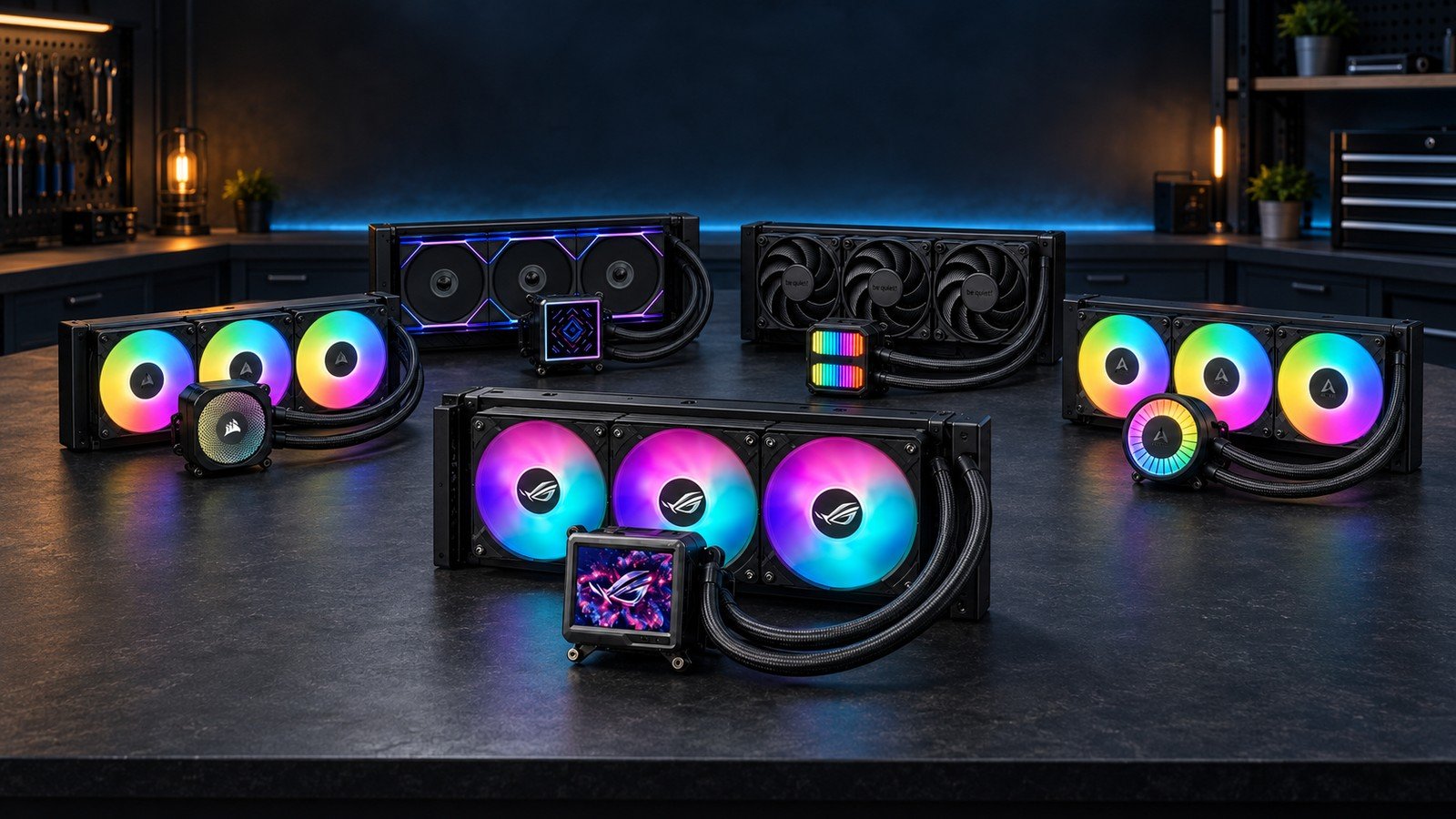
Image note: the featured image is an AI-generated editorial concept illustrating the 360mm AIO category, not an exact depiction of these five models. Individual contextual illustrations use verified product references; none are photographs of tested installations.