MasteriTech
Product Roundup
Which 360mm AIO Fits Your PC? Five Coolers, Five Different Priorities
By MasteriTech · October 02, 2026
Before deciding which cooler looks best, measure the space above or beside your motherboard. The nominal 360mm class describes the three-fan layout, not the complete installed envelope. Radiator length, thickness, fan depth, mounting brackets, fittings and tube bends all need room. A case that advertises a 360mm mount can still leave an awkward collision with RAM, motherboard heatsinks or a nearby panel.
Next, list the connections you can actually provide. Fan PWM, 5V ARGB, internal USB and any required controller are different jobs. Fewer visible wires do not necessarily mean fewer requirements. Finally, decide what a display would do for you: useful live monitoring, a visible custom graphic, or nothing you would miss.
This countdown ranks buyer fit and features, not temperatures from a shared laboratory benchmark. There is no universal winner for every case, CPU and noise preference.
Disclaimer – As An Amazon Associate, I Earn From Qualifying Purchases.
Image note: the featured image is an AI-generated editorial concept illustrating the 360mm AIO category, not an exact depiction of these five models. Individual contextual illustrations use verified product references; none are photographs of tested installations.
01
ASUS ROG Ryujin III 360 ARGB Extreme
**Best Premium Monitoring**
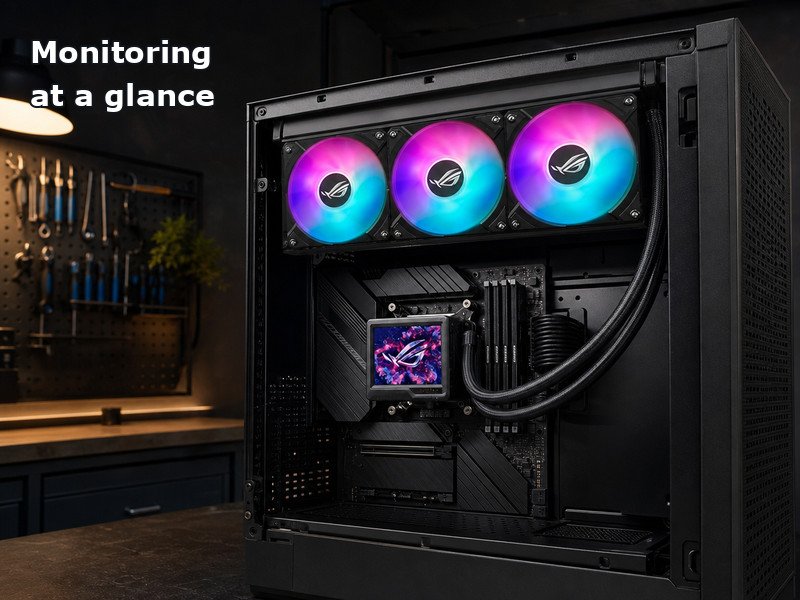
The Ryujin Extreme makes the most sense when the pump display is part of how you use your PC. Its 3.5-inch, 640 x 480 LCD can show live system information or custom graphics, and the pump housing includes a fan aimed at the motherboard’s VRM area. That is a more specific reason to choose it than simply wanting RGB lighting.
The installation trade-off deserves equal attention. ASUS uses 30mm-thick fans, so plan around the complete radiator-and-fan stack rather than assuming a standard fan depth. Magnetic fan connections streamline assembly, but they do not remove the need to check control connections and clearance. Buy this exact Extreme variant for its supported monitoring features; do not assume an older Ryujin III listing is identical.
02
Lian Li HydroShift II LCD-S 360 TL Wireless, Black
**Best Clean Display Build**
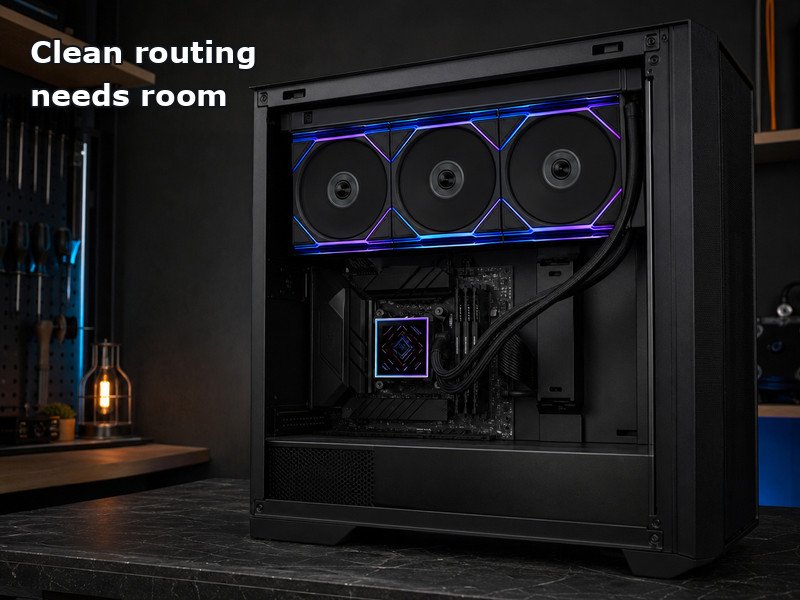
This is the original TL Wireless HS2LCDS36TB configuration, not the newer TL FLEX bundle. It pairs three TL120 Wireless fans with a 3.4-inch square LCD and side-managed tubing. If your goal is a tidy visible build with a square screen, those details are worth checking on the actual listing rather than relying on the HydroShift family name.
The 480 x 480 screen attaches magnetically using pogo pins. Control also has layers: offline mode uses fixed themes, wireless control adds options, and USB enables advanced L-Connect 3 customization. Choose the mode you need before counting available headers. Most importantly, Lian Li identifies interference with the ROG Maximus Z890 Extreme and Z890 Hero motherboards. A clean-looking route is only useful when your exact board and case allow it.
03
be quiet! Silent Loop 3 360mm, BW025
**Best Refillable Design**
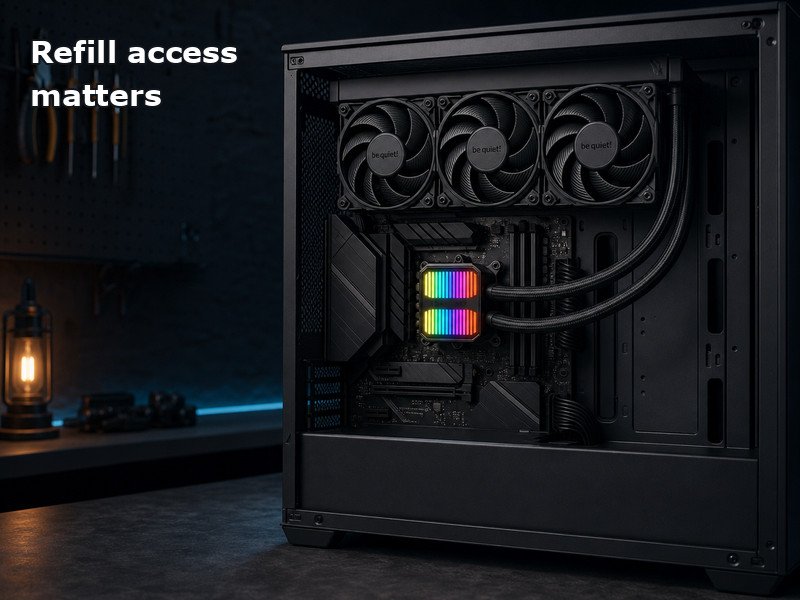
Silent Loop 3 offers a practical distinction for someone thinking beyond the first installation: a maker-supported refill port and an included coolant bottle. That is not permission to open any sealed AIO. It is a feature of this model, to be used according to its own instructions.
The three Silent Wings 4 fans are unlit, while lighting remains on the pump. The pump design and dampening are intended to address noise, but the product name does not guarantee silence under every workload. Its documented radiator-and-fan assembly is 397 x 120 x 52mm. Check that stack and follow the maker’s maintenance guidance. This is a useful choice when refill access and understated fans matter more than an LCD.
04
Corsair Nautilus 360 RS ARGB, Black
**Best Simple Wiring**
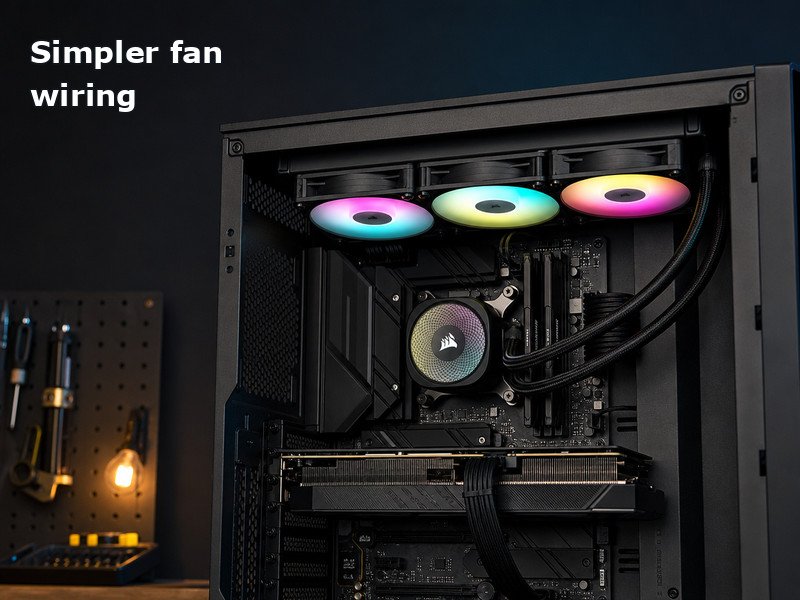
The Nautilus RS ARGB takes a straightforward motherboard-control approach. Its daisy-chained fans connect to one 4-pin PWM header and one 5V ARGB header, and the base configuration does not require an additional controller. That can be attractive if you want fan speed and lighting handled by the motherboard you already own.
Check those headers first; a 5V ARGB connector is not a substitute for a different-voltage lighting header. Also distinguish this exact RS ARGB model from LCD and iCUE LINK products. Optional integration hardware is a separate purchasing decision, not something implied by the Corsair name. The convex cold plate comes with pre-applied thermal paste. Zero RPM mode concerns the fans, not a reason to assume the pump stops whenever the blades do.
05
ARCTIC Liquid Freezer III Pro 360 A-RGB, Black
**Best Cooling-First Value**
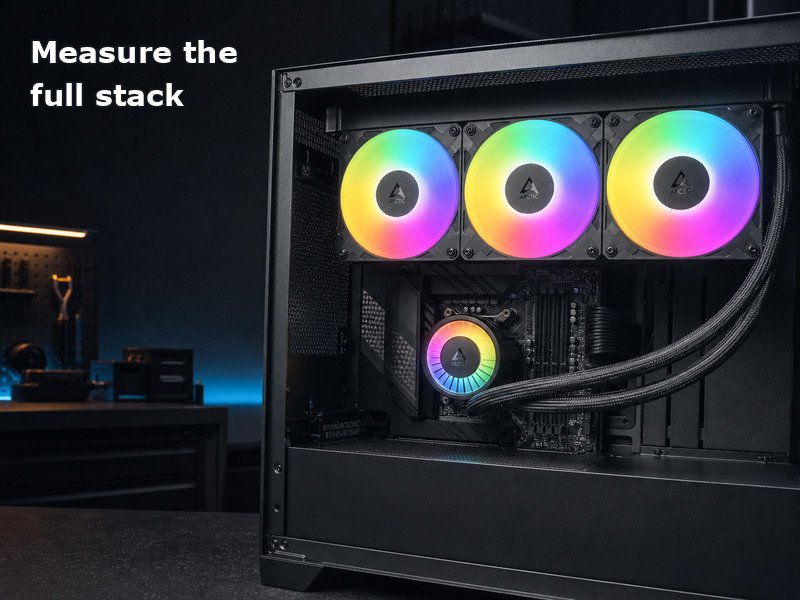
The Liquid Freezer III Pro puts the emphasis on cooling hardware and mounting rather than a screen. The reviewed ACFRE00184A has a 38mm radiator, P12 Pro fans and an integrated VRM fan. The maker specifies at least 63mm of installation clearance, making this the model where a careful physical fit check should come early.
Its mounting system includes Intel contact-frame hardware for the supported sockets and offset mounting for Intel and AMD. Treat the installation as a model-specific procedure, not a generic AIO swap. You can use the supplied all-in-one cable for a synchronized PWM signal or the splitter for separate pump, VRM-fan and radiator-fan control. Choose the wiring approach your headers and preferences support. This is our cooling-first value pick when the thicker assembly fits and a display is not a priority.