MasteriTech

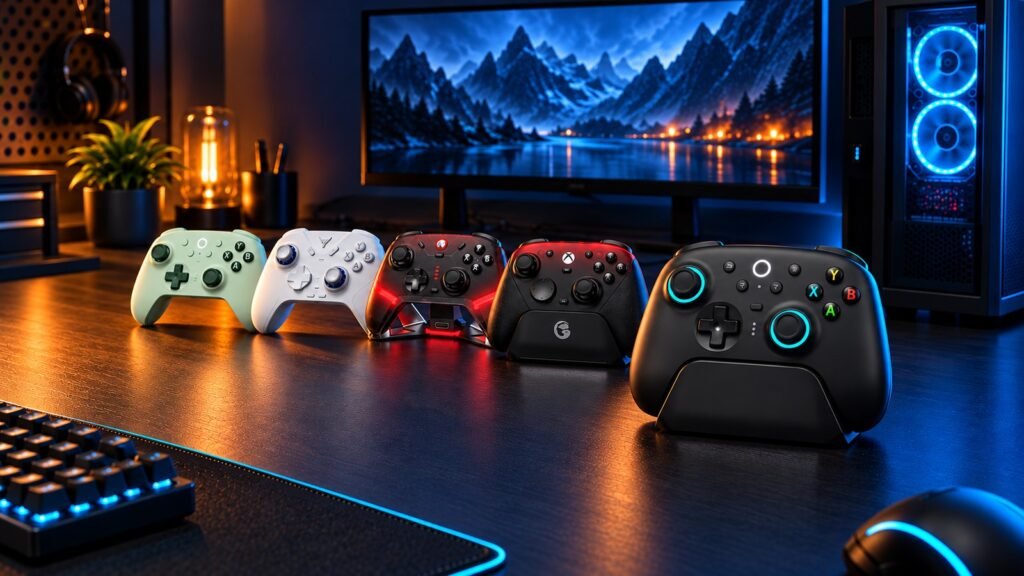
Product Roundup
Five PC Controllers: Pick the Controls That Fit Your Games
By MasteriTech · October 06, 2026
Button placement, stick resistance, trigger behavior and connection routes can matter more than a longer feature list. This MasteriTech roundup compares five exact controller choices. As an Amazon Associate I earn from qualifying purchases. Images are AI-generated editorial illustrations.
01
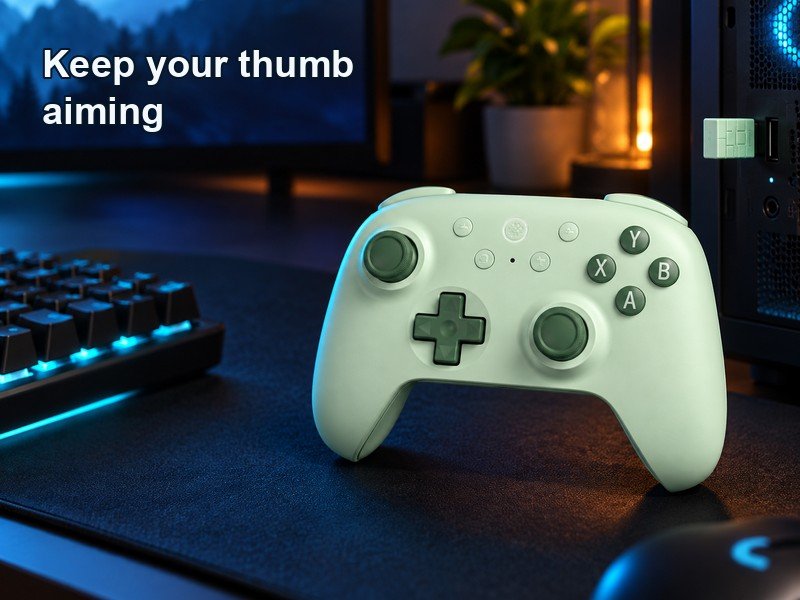
8BitDo Ultimate 2C Wireless
Moving jump to another finger can help keep your aiming thumb on the stick. The Ultimate 2C puts its remappable L4 and R4 buttons beside the shoulders. Those controls use an index-finger reach, rather than the middle-finger grip of rear paddles. Choose the placement you want before treating every extra button as equivalent.
02
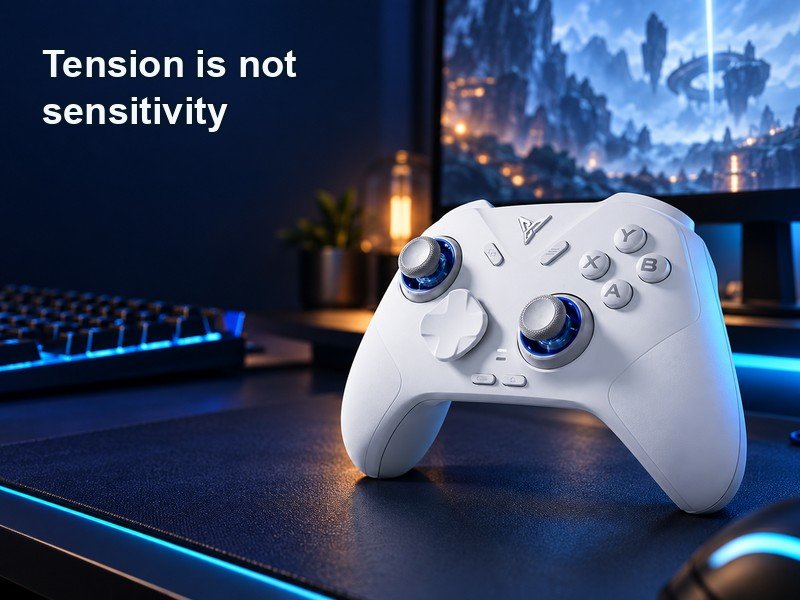
Flydigi Direwolf 4
A stick can center well and still feel too light under your thumb. The Direwolf 4 tension rings adjust physical resistance. That changes the force needed to move the stick, not the sensitivity curve inside your game. Set the physical feel first, then tune the game separately; the dock is sold separately.
03
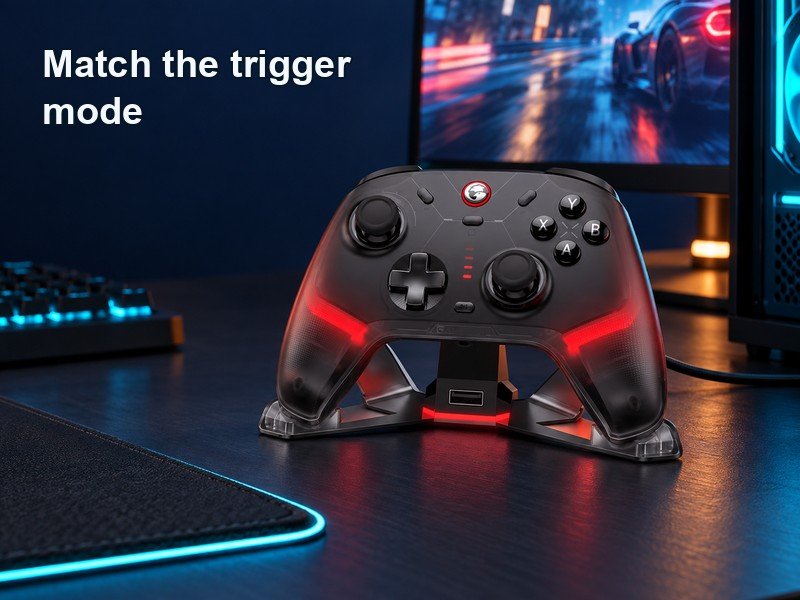
GameSir Cyclone 2
Racing and shooters ask different things from a trigger. The Cyclone 2 can switch between Hall-effect analog travel and a short micro-switch mode. Analog travel gives you graduated input; the short mode suits a discrete action. Choose for the game rather than assuming the shorter mode improves every input.
04
GameSir G7 Pro
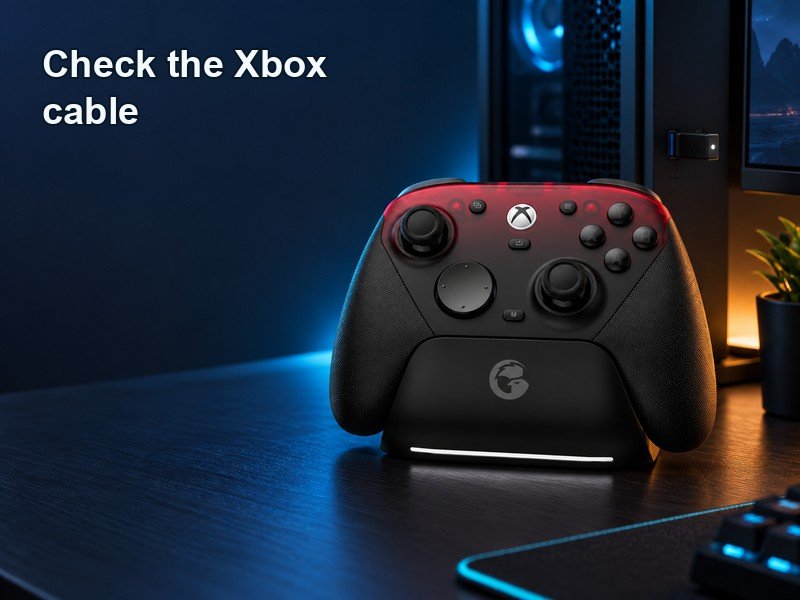
The original G7 Pro’s wireless story depends on the platform. Its included receiver supports PC, while Xbox uses a USB cable. Bluetooth serves Android. Check this original tri-mode model carefully: later controllers with similar names can have different Xbox connections.
05
8BitDo Ultimate 2 Wireless
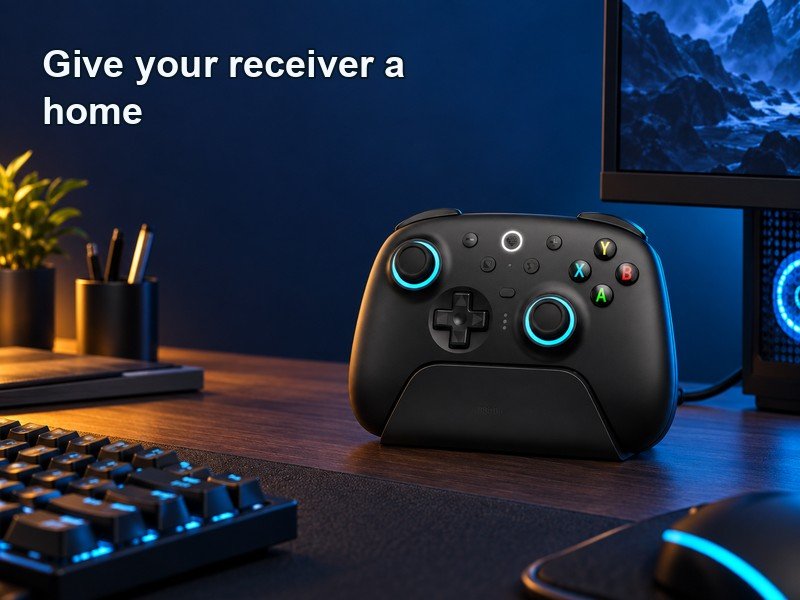
The Ultimate 2 Wireless dock does more than park a controller for charging. It also houses the included wireless receiver and connects to your PC over USB. That gives the adapter a practical position on the desk. It can make a repeatable setup easier without promising perfect radio conditions or guaranteed low latency.