MasteriTech
Product Roundup
B650 or B850? Choose an AM5 Motherboard Around Your Finished Build
By MasteriTech · October 09, 2026
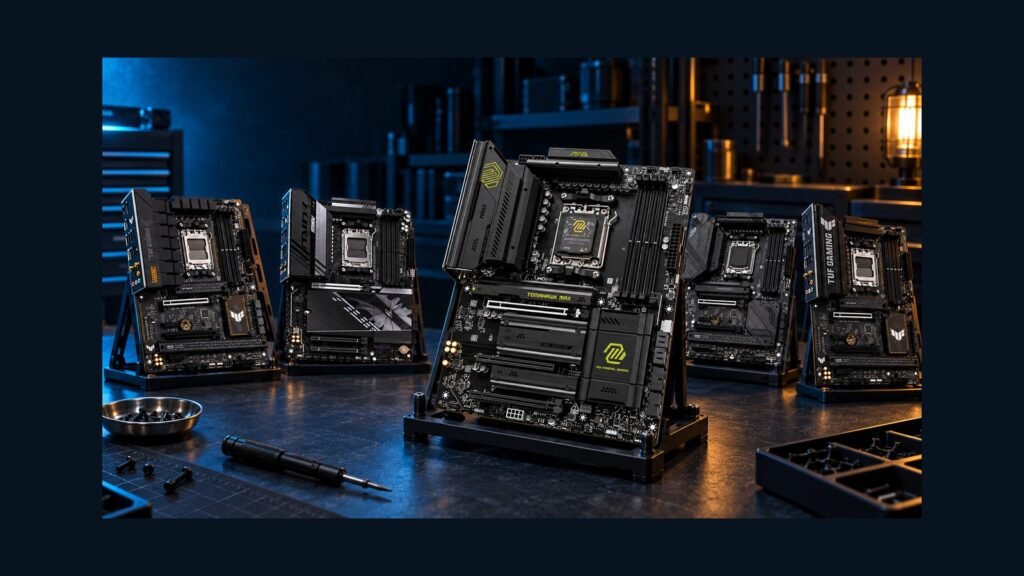
The useful motherboard comparison starts with a parts list: your graphics card, every SSD, your SATA drives, and any capture or network card. A newer chipset can add connections you need, but it cannot guarantee that every connector works independently. These five exact AM5 boards illustrate why storage layout and lane sharing deserve more attention than the badge on the box.
## First, draw the completed system
Write down which drives you will install now and which upgrades you reasonably expect. Separate M.2 drives from SATA drives, and reserve a slot for every expansion card. Then open the exact motherboard manual and compare that plan with its sharing table. Three visible M.2 sockets and two long PCIe slots do not necessarily mean five independent connections.
Treat graphics and storage generations separately. A board can provide Gen5 M.2 storage while its graphics slot remains Gen4. Likewise, a full-length expansion connector can be wired for only one lane. Neither distinction makes a board unsuitable by itself; it changes which build it suits.
The ranking below weighs practical connectivity and the captured relative value of these five supplied listings. Check current availability and the exact variant before ordering. CPU choice can change available lanes or compatibility, and an older BIOS may need an update for your processor.
## Which one should you choose?
Start with the constraint you cannot work around comfortably. Six SATA drives point toward the B650 Tomahawk. Four M.2 positions and a suitable faster network favor the B850 Tomahawk MAX. A balanced modern build can suit the TUF B850, while the AORUS deserves attention if its front USB connection matters. A discounted TUF B650 can still make sense for Gen5 storage with Gen4 graphics.
Before ordering, verify the exact model, CPU and BIOS support, drive-sharing table, case connections, seller and return terms. The right motherboard is the one whose active connections match your finished PC.
01
5. ASUS TUF GAMING B650-PLUS WIFI — a sensible discounted storage option
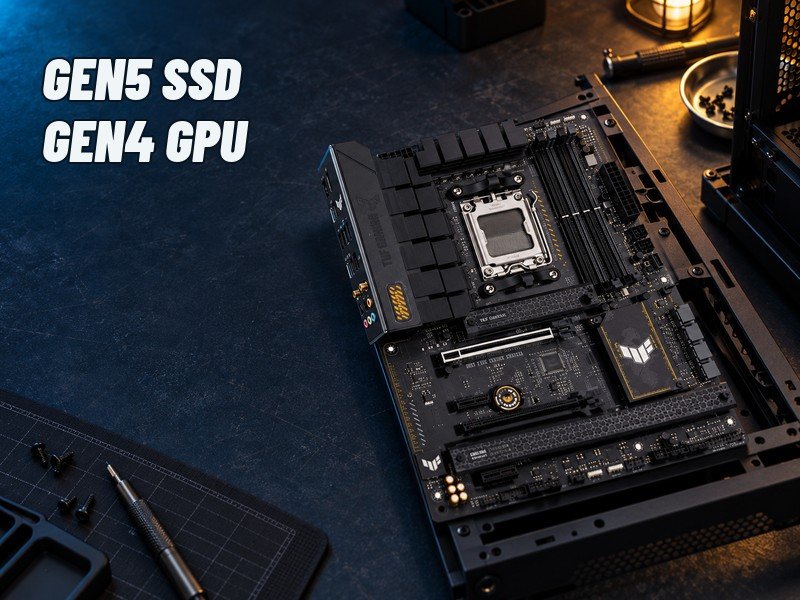
The ASUS TUF B650 separates two capabilities that buyers often combine: its primary M.2 socket supports Gen5 storage with the relevant Ryzen CPU configuration, while its main graphics slot is Gen4. If your build uses a current graphics card and one fast SSD, that combination may cover your needs without paying for a different GPU connection.
You get three M.2 sockets and four SATA ports. The planning catch is the third M.2 socket: using it disables the lower full-length expansion slot. A build that needs a capture card there cannot also treat that M.2 position as independent spare capacity. Decide which device matters before buying.
Wi-Fi 6 and 2.5Gb Ethernet suit a conventional network. Consider this board when its current discount makes sense and your completed layout fits its restrictions; choose a different model if wider wireless capabilities or a Gen5 graphics connection are central to your plan.
02
4. GIGABYTE B850 AORUS ELITE WIFI7 — check what the lower slots can do
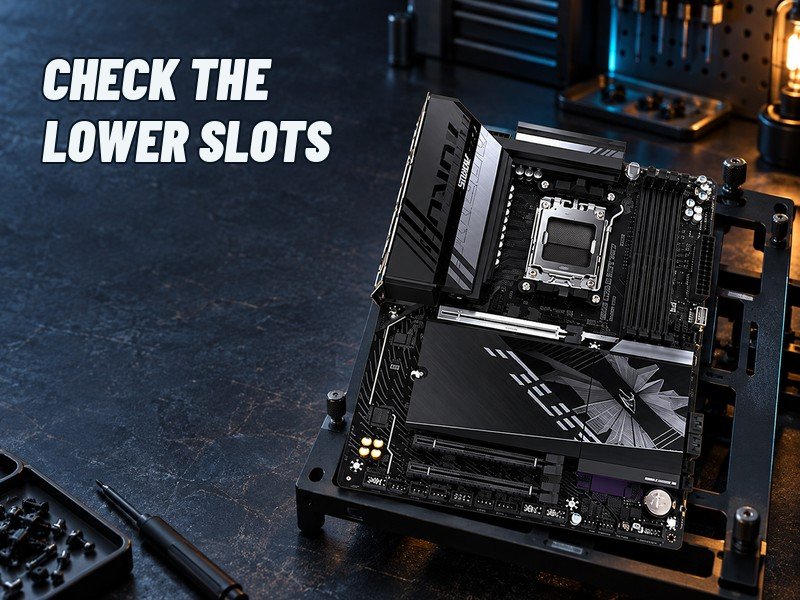
This black B850 AORUS ELITE WIFI7 offers a Gen5 main graphics connection, three M.2 positions and four SATA ports. One M.2 connection is Gen5 and the other two are Gen4. It is a useful modern foundation for a straightforward gaming build with room for several drives.
Its two lower full-length expansion connectors each operate at Gen3 x1. They can accommodate appropriate low-bandwidth adapters, but their physical length does not provide the bandwidth of a wider connection. Read your capture card or storage adapter requirements rather than assuming that a card fits electrically because it fits mechanically.
The front-panel Type-C header supports USB Gen2x2, while rear Type-C is Gen2. That makes your case’s front connector relevant to this board’s appeal. Networking combines 2.5Gb Ethernet with Wi-Fi 7 hardware at 160MHz. Your router, software, local band availability and signal conditions still determine what you can use. Confirm the black board’s exact revision; do not substitute an ICE or differently named variant.
03
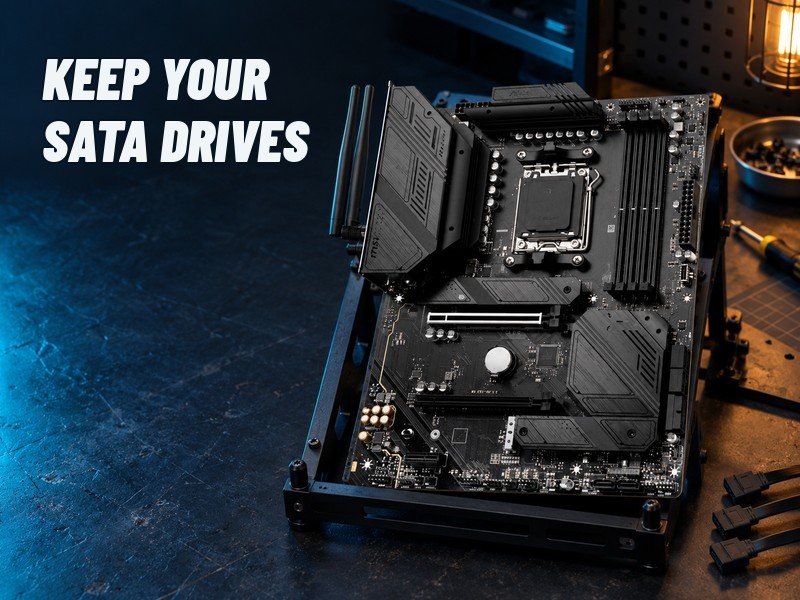
3. MSI MAG B650 TOMAHAWK WIFI — keep a substantial SATA collection
The B650 Tomahawk stands out for six SATA ports alongside three Gen4 M.2 sockets. For someone transferring several existing SATA drives, those additional ports can be more useful than a newer chipset name. Count the drives you own before assuming that four SATA connectors will be enough.
The main graphics slot and all three M.2 connections are Gen4. That is the trade-off for a buyer specifically seeking Gen5 storage. For a build based around an existing collection of drives, it can be a coherent choice with fewer adapters to manage.
The third M.2 socket and the lower PCIe expansion connection share bandwidth; when both are used, the relevant connections operate at x2. Check whether that allocation suits the devices you intend to install. Wi-Fi 6E and 2.5Gb Ethernet round out the network options. This is the SATA-focused pick, provided your expansion plan accepts the sharing rule.
04
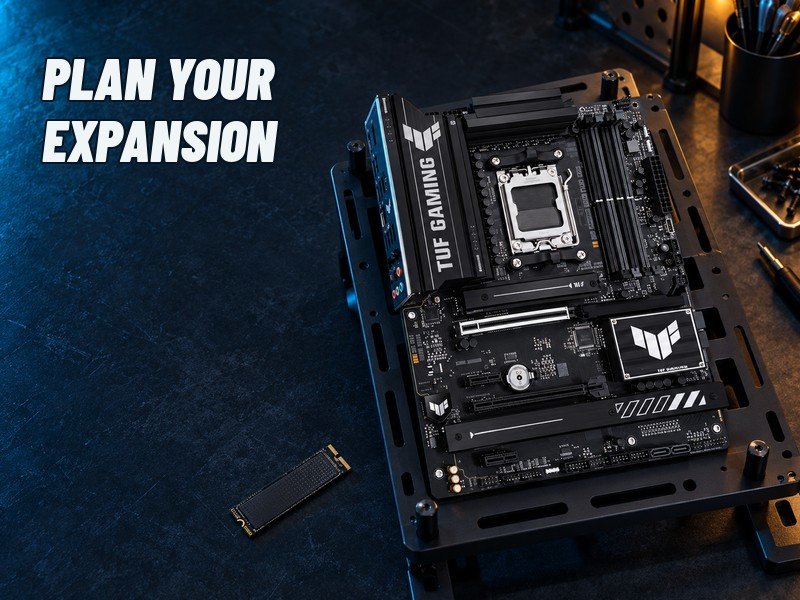
2. ASUS TUF GAMING B850-PLUS WIFI — balanced modern connections
The ATX TUF B850-PLUS WIFI combines three M.2 positions—one Gen5 and two Gen4—with four SATA ports. Its mix of modern storage, networking and rear USB connections makes it the balanced-value choice in this supplied comparison, subject to current pricing and your actual devices.
The third M.2 position disables the lower x4 expansion slot. This is an important restriction for a buyer who expects to add a card later. Drawing the complete system now is more useful than buying from a photograph of empty sockets.
Wi-Fi 7 hardware here uses a 160MHz standard, alongside 2.5Gb Ethernet. It should not be treated as equivalent to every wider Wi-Fi 7 implementation. Ten rear USB connections include a 20Gbps Type-C port, which can matter if your external storage supports that link. Choose the exact B850-PLUS WIFI ATX model; the B850M and B850-E models are different products.
05
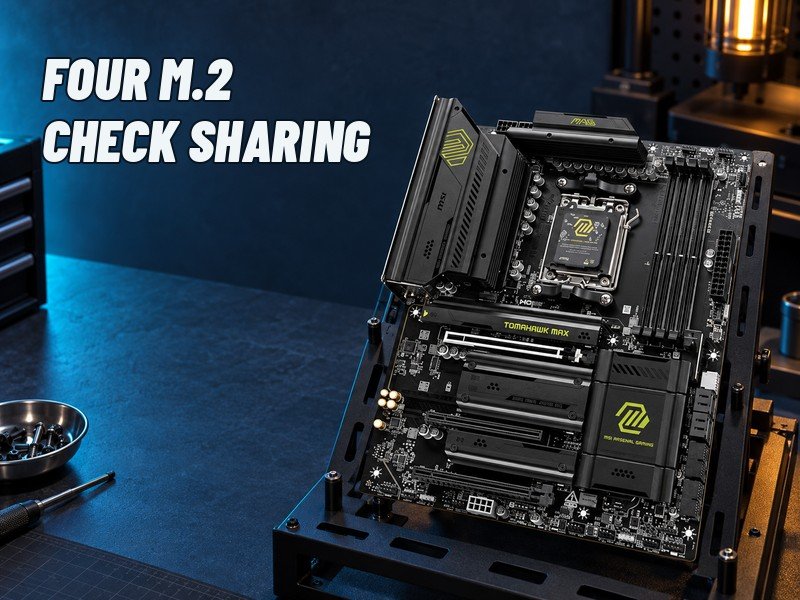
1. MSI MAG B850 TOMAHAWK MAX WIFI — more storage and network headroom
The original B850 Tomahawk MAX WIFI offers four M.2 positions. Two CPU-connected sockets provide Gen5 x4, while the chipset-connected positions offer Gen4 x4 and Gen4 x2 respectively. Place each drive according to the connection it can use rather than treating all four locations as interchangeable.
The third M.2 socket and lower PCIe slot share resources. Using both reduces the expansion connection; a BIOS option that widens that slot disables the shared drive position. Four M.2 sockets are useful, but they do not erase the bandwidth decision.
The 5Gb Ethernet connection and Wi-Fi 7 hardware supporting 320MHz provide greater nominal network headroom than the other boards here. Those are interface capabilities, not a measured speed advantage: your switch, router, software and devices must support them. This is our top pick when a storage-heavy build or faster local network can use the extras. If neither applies, paying for that headroom may not improve your experience. The reviewed model is the original MAX WIFI, not MAX WIFI II.