 MasteriTech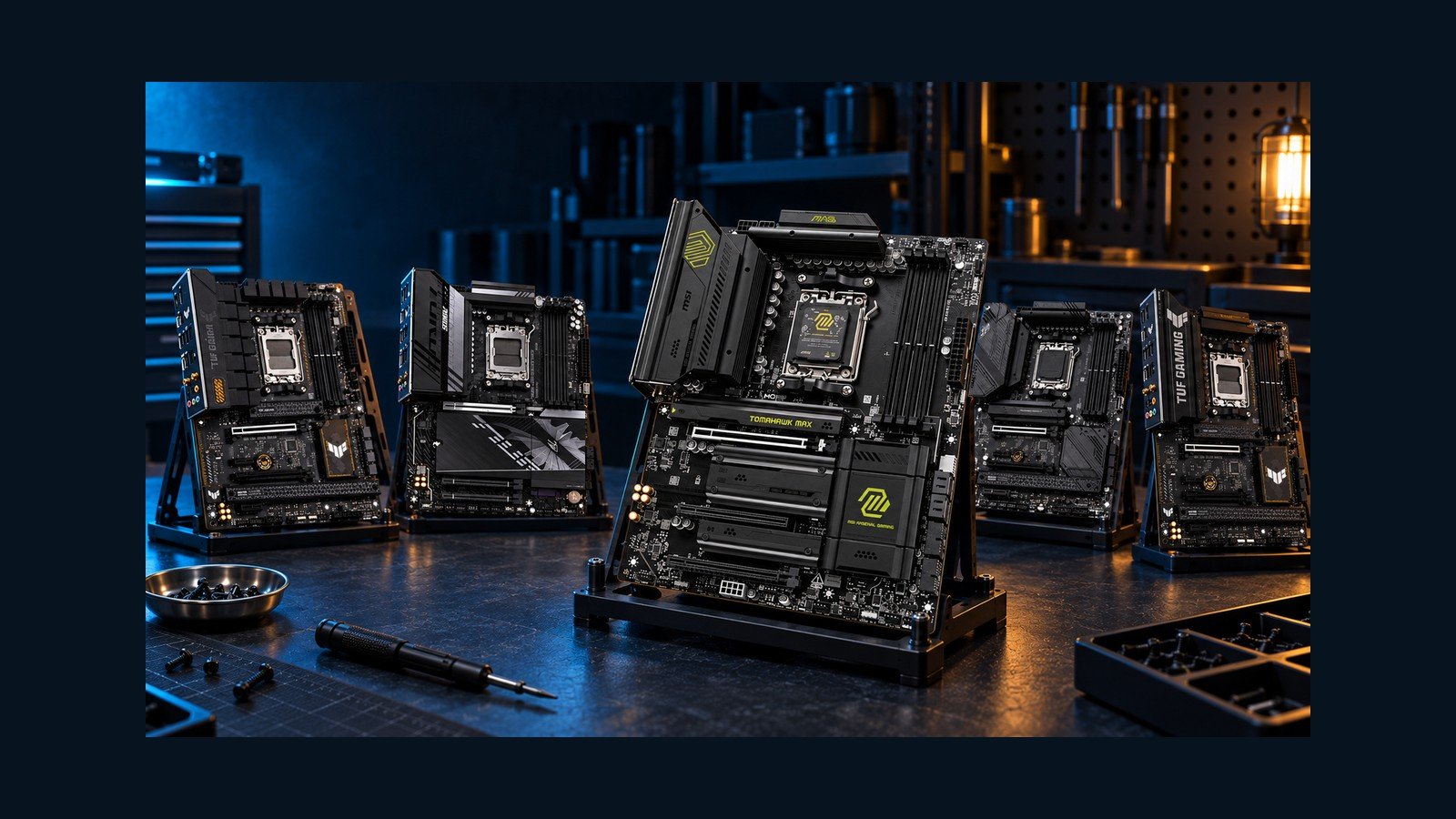
B650 or B850? Choose an AM5 Motherboard Around Your Finished Build
The useful motherboard comparison starts with a parts list: your graphics card, every SSD, your SATA drives, and any capture or network card. A newer chipset can add connections you need, but it cannot guarantee that every connector works independently. These five exact AM5 boards illustrate why storage layout and lane sharing deserve more attention than the badge on the box.
Disclaimer – As An Amazon Associate, I Earn From Qualifying Purchases.
*Featured image: AI-generated editorial category illustration. Product illustrations show hardware context; specifications below come from verified manufacturer documentation, not generated images. This is a specification-based buying comparison, not a hands-on performance benchmark.*
## First, draw the completed system
Write down which drives you will install now and which upgrades you reasonably expect. Separate M.2 drives from SATA drives, and reserve a slot for every expansion card. Then open the exact motherboard manual and compare that plan with its sharing table. Three visible M.2 sockets and two long PCIe slots do not necessarily mean five independent connections.
Treat graphics and storage generations separately. A board can provide Gen5 M.2 storage while its graphics slot remains Gen4. Likewise, a full-length expansion connector can be wired for only one lane. Neither distinction makes a board unsuitable by itself; it changes which build it suits.
The ranking below weighs practical connectivity and the captured relative value of these five supplied listings. Check current availability and the exact variant before ordering. CPU choice can change available lanes or compatibility, and an older BIOS may need an update for your processor.
## Which one should you choose?
Start with the constraint you cannot work around comfortably. Six SATA drives point toward the B650 Tomahawk. Four M.2 positions and a suitable faster network favor the B850 Tomahawk MAX. A balanced modern build can suit the TUF B850, while the AORUS deserves attention if its front USB connection matters. A discounted TUF B650 can still make sense for Gen5 storage with Gen4 graphics.
Before ordering, verify the exact model, CPU and BIOS support, drive-sharing table, case connections, seller and return terms. The right motherboard is the one whose active connections match your finished PC.